Skip to content

Piero Bosio Social Web Site Personale Logo Fediverso

Social Forum federato con il resto del mondo. Non contano le istanze, contano le persone

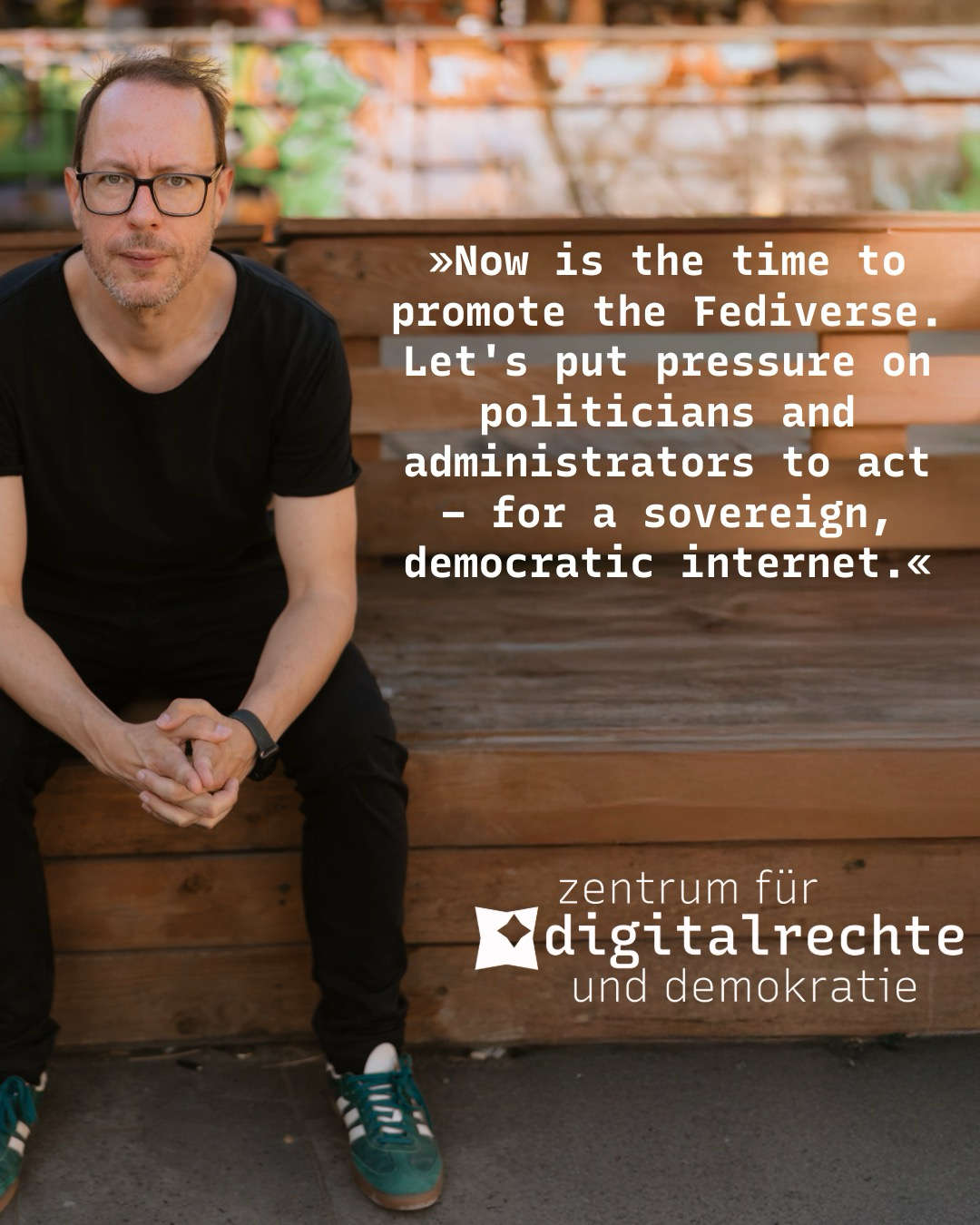
We at the Center for Digital Rights and Democracy (Zentrum für Digitalrechte und Demokratie) are proposing a concept to fund the #Fediverse with tax money
Fediverso
1 1 19

Gli ultimi otto messaggi ricevuti dalla Federazione
Post suggeriti
  • Polls are hard.

    Fediverso activitypub fediverse mastodon pleroma poll wtf
    3
    1
    0 Votes
    3 Posts
    12 Views
    Or somebody with a very nuanced opinion ... @julian @ltning
  • 0 Votes
    1 Posts
    12 Views
    Your timeline is what you want it to be on fedi. You build it. You MOLD it, like a piece of clay. It takes time. It takes effort. You'll have to mute sometimes. You likely will have to block. Don't give up.It's worth it. Art. Code. Gaming. Books. Pot Belly Pigs. Death Metal. Whatever your interest, you can find a community here, I promise. Smaller, perhaps, but more connected. You might even have a real conversation with a human being. Give it a try!#Fediverse
  • 0 Votes
    1 Posts
    19 Views
    Running a community in the Fediverse means balancing openness with safety. Every year, @iftas takes the pulse of administrators, moderators, and community managers with their Annual Needs Assessment. This survey helps identify what’s working, where support is needed, and which tools can make a difference for those keeping decentralized spaces safe.The 2025 survey is now openTake part in the IFTAS Needs Assessment (5–10 minutes).Take the survey now(If you haven’t seen them before, you can also take a look at last year’s report)Last year’s responses represented moderators of over 4.3 million accounts across ActivityPub platforms. With WordPress now the largest group of federating instances, it’s especially important for our community of hosts, site admins, and moderators to be heard.Moderation in WordPress: From Site-Wide to Personal ControlsWe recently introduced a major update to the ActivityPub plugin for WordPress: personalized and site-wide moderation tools.Site administrators can now set domain, keyword, and actor-level blocks that protect the entire site.Individual users can fine-tune their own experience with personal blocks, managed directly from their profiles.Content is checked against both global and personal rules—so moderation works at every level.These improvements directly address needs raised in previous IFTAS surveys, making moderation more discoverable, flexible, and effective for WordPress communities in the Fediverse.Your Input MattersIFTAS uses the Needs Assessment to guide tools, policies, and advocacy that reflect the real-world challenges of moderators—especially those in under-resourced communities. The more representative the responses, the stronger the outcomes for everyone.If you’re running a federating WordPress site, please consider:Filling out the survey yourself.Sharing it with other admins, moderators, and community organizers.Reminding folks that it’s anonymous, quick, and impactful.Take the 2025 Fediverse Needs AssessmentTogether, we can keep building a safer, healthier Fediverse—one that reflects the needs of its communities.
  • 0 Votes
    1 Posts
    6 Views
    Guest?
    EDIT - informationThis tutorial is supposed to be published by the tutorial profile of this server.It is designed to have several chapters, each being distinctively seperated by an own titel. In total as of now there are like besides this introduction like 6 chapters.posting and edition time of and by this EDIT profileof ver05 as of now 1hsmastodon review contact: @bitpickup--Categories:@helpers@forum.friendi.ca SPOILER - click to open/close || IntroductionThis tutorial is an adaption of the tutorial "creating a friendica server - ubuntu" by @hankg based on the experience of the installation report by @jesuisatirebitpickup:squeet.me/display/962c3e10-576…and specific help by @raroun.Server specs and friendica version used:VPS server | Ubuntu 22.04 LTSPHP Version 8.1.2-1ubuntu2.144 Core CPU, 8 GB Ram with 300GB NVME DiskFriendica [STABLE] | 'Giant Rhubarb' 2023.05 - 1518SPOILER - click to open/close || Installation environment and HowToThe only reasonable way to work with a VPSserver on the web is using the console.If you are not familiar with that don't worry, it is easy and the only thing you have to do is being able to copy/paste the commands displayed:¡Copy/paste only the codeBoxes like this one, located outside of the spoilers of this tutorial one after another without altering the sequence!Of course it is necessary to change the specific file names and passwords for you indiviual site, but that's all. promise!On the console you wont be able to copy/paste with the keyboard ctrl-C/ctrl-V technique, you'll have to use the mouse "right click, chose option" technique.This tutorial was created on a #debian #linux desktop environment.There shouldn't be differences if you want to do this from a #windows machine.The method used for communication between your local computer and the VPS server is called #SSH:Wikipedia - Secure Shell:"Cryptographic network protocol for secure data communication, remote shell services or command execution and other secure network services between two networked computers."#linux #debian #ubuntu #friendica #fediVerse #fediTutorial #tutorial #fediHelp #fediTips #activityPub #HowTo #DIY #VPS #server #selfHosting@admin@tupambae.org @tutorial@tupambae.org