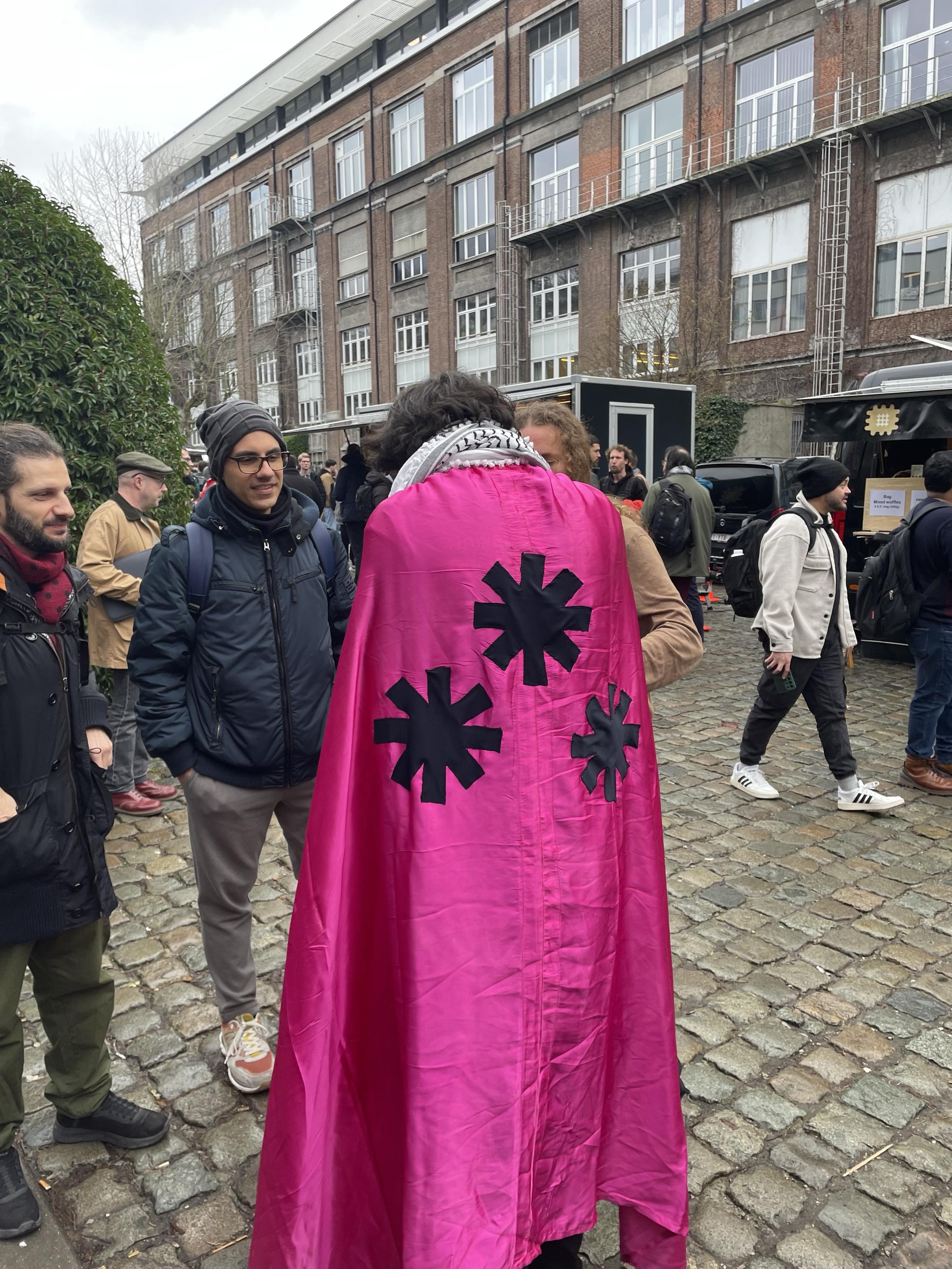
6,000 #curl stickers.
Uncategorized
12
Posts
5
Posters
21
Views

-
-
@bagder On which booth/in which devroom?
-
@bagder On which booth/in which devroom?
@till I usually make sure that the wolfSSL stand is fully stocked, otherwise you need to find me. Usually in one of the cafeterias... =)
-
@bagder 6,000 are too many for me, but thanks for offering!
-
@bagder 6,000 are too many for me, but thanks for offering!
-
-
@till I usually make sure that the wolfSSL stand is fully stocked, otherwise you need to find me. Usually in one of the cafeterias... =)
This post is deleted! -
This post is deleted!
-
This post is deleted!
This post is deleted! -
This post is deleted!
This post is deleted! -
This post is deleted!
@_elena BTW, I was once invited to moderate a DNS panel at #FOSDEM composed of the greats of the Internet: @bagder , @bortzmeyer , and @bert_hubert
Main reasons for my agreeing to moderate was a) so that I could actually enter the otherwise FULL DNS dev room, and b) to ask Daniel for a curl sticker.
Anyway, I had a fun time, and guess what I returned home without?! #trueStory
Here's the recording of the event: I'm the fat chap holding the mic.
https://www.youtube.com/watch?v=Sd3QWZ76IZg
// @mijndert
-
@_elena BTW, I was once invited to moderate a DNS panel at #FOSDEM composed of the greats of the Internet: @bagder , @bortzmeyer , and @bert_hubert
Main reasons for my agreeing to moderate was a) so that I could actually enter the otherwise FULL DNS dev room, and b) to ask Daniel for a curl sticker.
Anyway, I had a fun time, and guess what I returned home without?! #trueStory
Here's the recording of the event: I'm the fat chap holding the mic.
https://www.youtube.com/watch?v=Sd3QWZ76IZg
// @mijndert
This post is deleted!





Feed RSS
Gli ultimi otto messaggi ricevuti dalla Federazione
-
@fediforum@mastodon.social what is this, a web page for ants?

I jest of course :sweat_smile: mobile responsiveness is hard.
-
@matt@writing.exchange mini meetup of the longformers! Lol.
-
@Yaku uno dei due regali di compleanno che devo fare a marzo è già in casa
l'altro stavo per comprarlo, ed è saltato tutto, e quello che vorrei prendere al suo posto non viene consegnato.
prontissimi!
-
It's just one week until our un-workshop on Growing the Open Social Web!
The event page has been updated. Now we have the basic agenda, plus the submissions from attendees, and an attempt to summarize them.
Now also with Techdirt logo (as @j12t and @masnick.com are co-organizing)
Later today we'll e-mail an update to registered attendees.
There is still time to register, it's online, so it's easy to participate!
More info and registration: https://fediforum.org/2026-03-growing-open-social-web/
-
@aeva more like extremely dirty water but in principle yes.
-
@matt I'm far off for family business! I get in tonight.
-
Who else is in Montreal for #FediMTL? Let's meet up! I'm around until Wednesday.
-
Quando il cazzeggio incontra la poesia.