Skip to content

Piero Bosio Social Web Site Personale Logo Fediverso

Social Forum federato con il resto del mondo. Non contano le istanze, contano le persone

I'm sad.

Uncategorized
8 3 13
Feed RSS

Gli ultimi otto messaggi ricevuti dalla Federazione
Post suggeriti
  • 0 Votes
    1 Posts
    0 Views
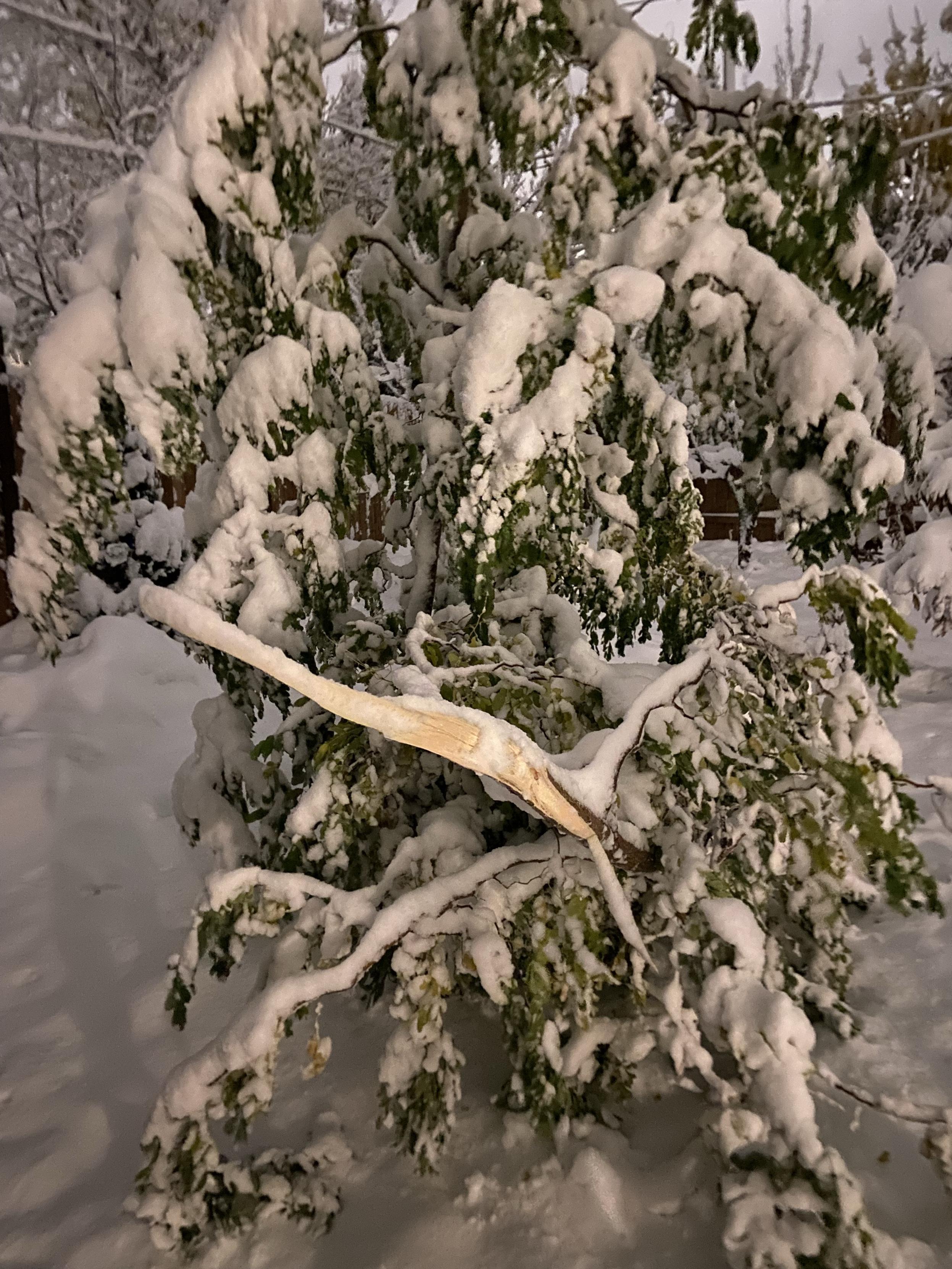
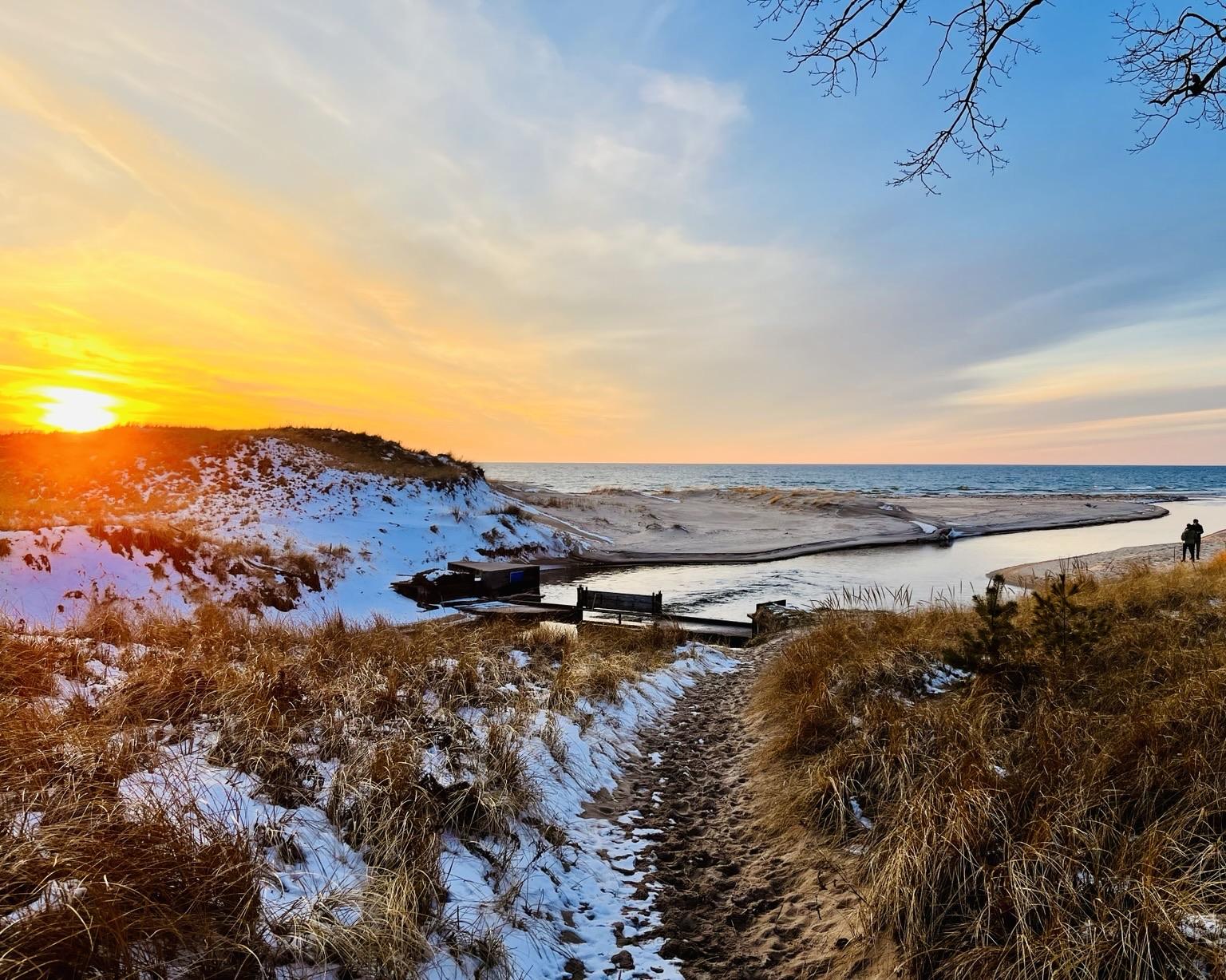
    Afternoon walk. #walk #winterwalk #trees #nature #sunset #winter #snow #frost
  • 0 Votes
    1 Posts
    0 Views
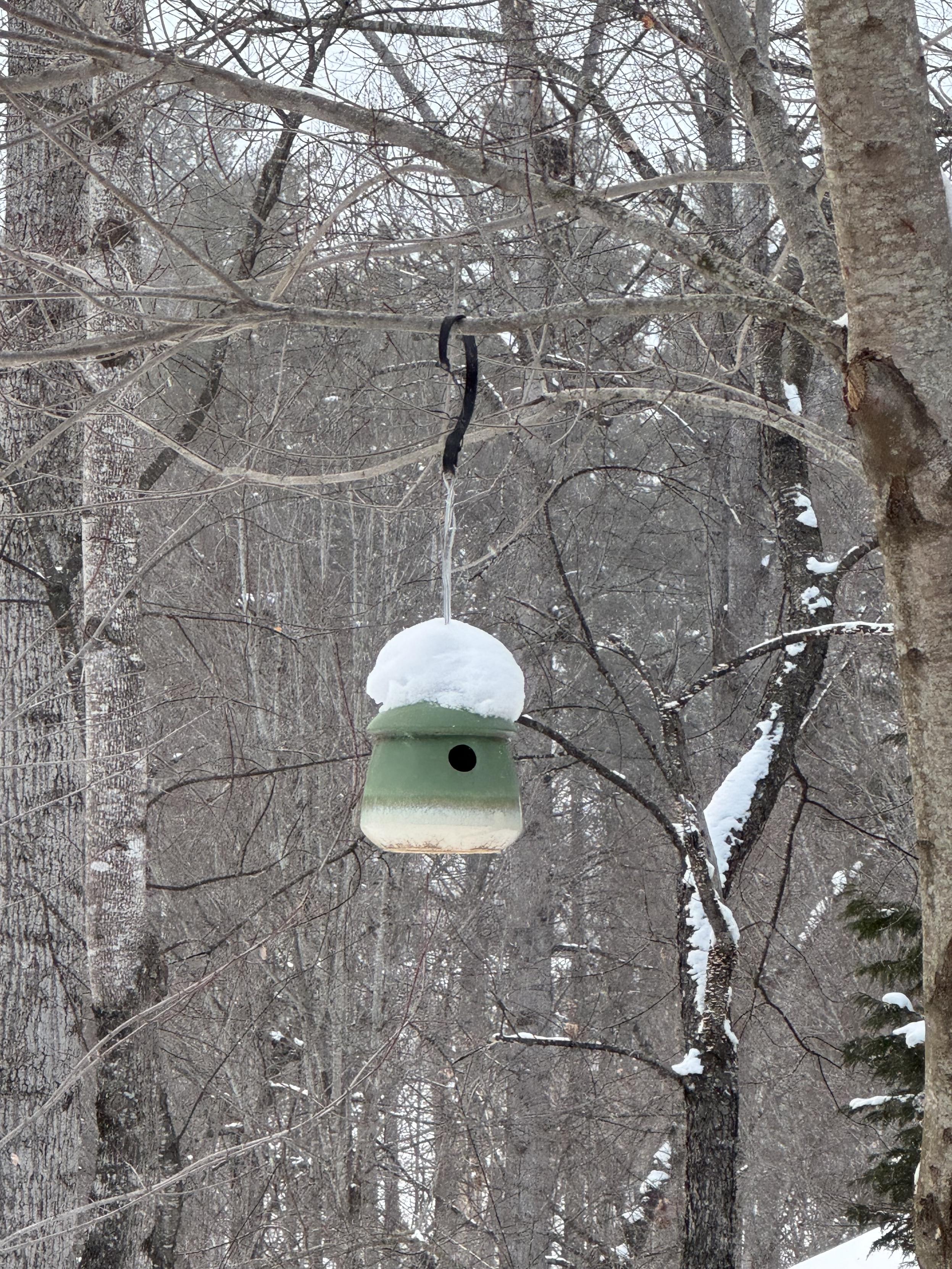
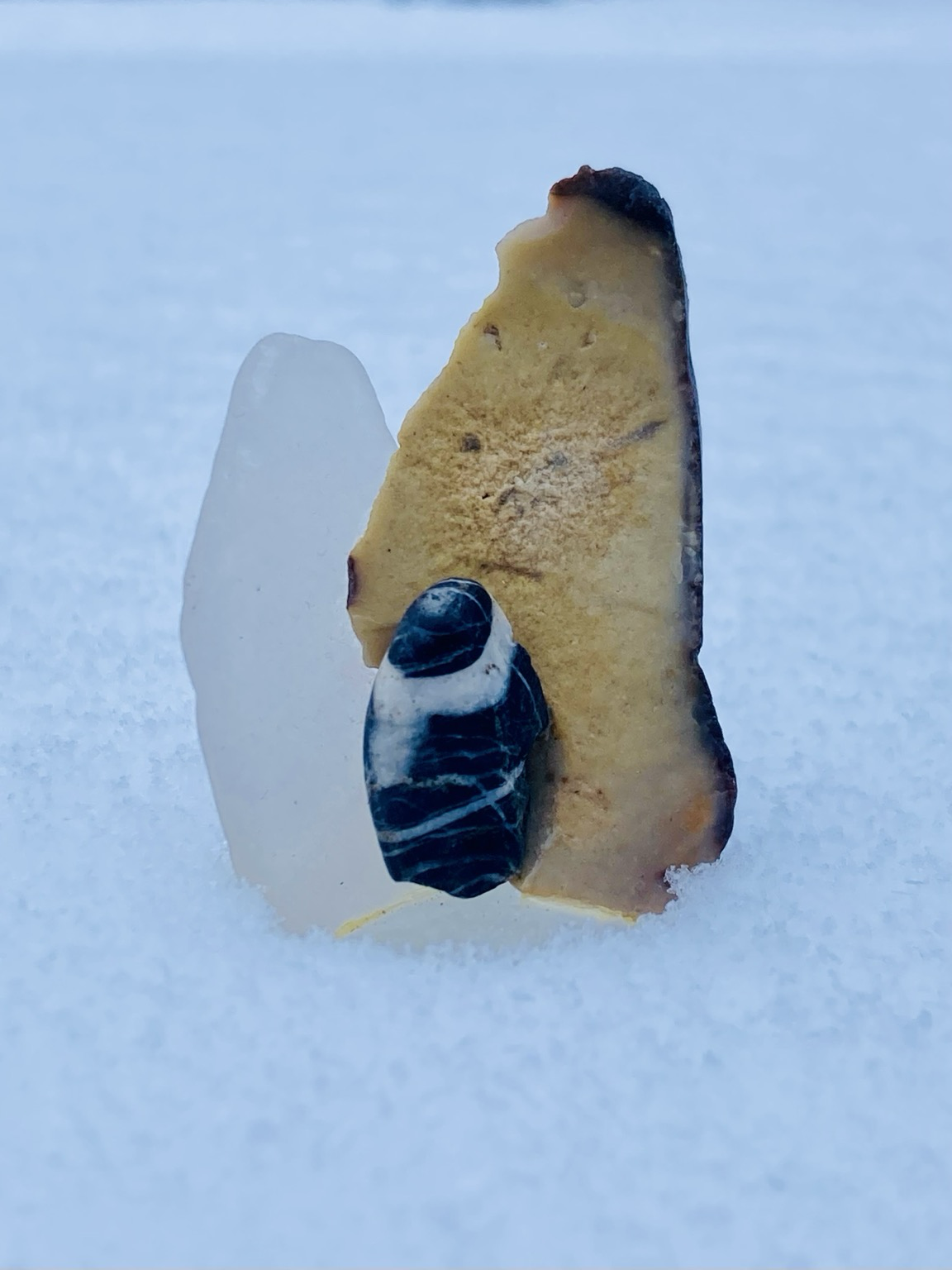
    Silent snowfall#photography #nature #hiking #Snow
  • 0 Votes
    6 Posts
    1 Views
    @dillyd I don't know if others do this, but I like to test out the bike/studs/footwear on ice at the beginning of the year. Lower the seat (I have dropper post, but you can manually do it, just mark normal position with sharpie) so feet can easily and quickly touch the ground (good boots, even spikes if you have them). Then bike along snow and edges of ice to get a feel for it, nothing fast. How’s braking, how’s turning, how's reaction time to put a foot out? Venture a bit further into small ice patch if you're comfortable. I do this with the car too, much rather try all of the “things" in a controlled fashion rather than in a panic later on.Have fun!
  • 0 Votes
    1 Posts
    3 Views
    Note: this option is no longer available in the Jetpack plugin. If your site is hosted on WordPress.com, however, you will continue to have the option to display snow on your site during the holiday season.It’s that time of the year again. Starting today and until January 4th, the Jetpack plugin will add an option at the bottom of the General settings screen in your dashboard. Turn that option on, and snow will fall on your blog ? !Of course, like with all Jetpack features, we’ve added some filters allowing you to extend or customize it. Here is all you need to know about Holiday Snow in Jetpack.I don’t want snow on my Jetpack siteNo worries! The option is off by default. It will only be enabled if you go to Settings > General in your dashboard, and check the box. If you checked it last year, Jetpack will remember your choice and enable it again this year.Note: that checkbox only appears between December 1st and January 4th, when the feature is actually available and visible on your site. However, if you’d like to check the status of the Snow option on your site at any time during the year, you can access the setting under Jetpack > Settings.I don’t want to see that option on my siteIf you don’t even want to see the option, you can add the following code to a functionality plugin:/** * Remove the Snow option from your dashboard. * * That option appears in Settings > General between December 1st and January 4th. * It is off by default. * This filter removes it completely. */add_filter( 'jetpack_is_holiday_snow_season', '__return_false' );Why January 4th? I want snow to fall on my blog until April 1st!That’s not a bad idea. You can use the jetpack_is_holiday_snow_season filter to do just that:/** * Show the Snow option until April 1st * * By default, the option disappears on January 4th * * @return bool true|false Is it holiday season? */function jeherve_snow_fools() {$today = time();// First snow day. December 1st here.$first_snow_day = mktime( 0, 0, 0, 12, 1 );// Last Snow day. April 1st in our example.$last_snow_day = mktime( 0, 0, 0, 4, 1 );// $snow will return false if we're outside holiday season.$snow = ( $today >= $first_snow_day || $today < $last_snow_day );return $snow;}add_filter( 'jetpack_is_holiday_snow_season', 'jeherve_snow_fools' );Your snowflakes are way too small. I have my own snow, can I use it instead of yours?Sure thing. You’ll want to use the jetpack_holiday_snow_js_url filter, like so:/** * Enqueue our own snow Javascript file. * * @return string Snow js file. */function jeherve_custom_snow() {// Your custom Snow JS file$snowstorm_url = plugins_url( 'my_own_snow.js', __FILE__ );return $snowstorm_url;}add_filter( 'jetpack_holiday_snow_js_url', 'jeherve_custom_snow' );I’d like my readers to be able to turn snow on and off as they pleaseThere is a plugin for that! Jetpack Holiday Snow Opt-In only shows snow if your reader has opted in by clicking on a snowflake appearing in the top right corner of your site. Hopefully this will make it to Jetpack itself at some point.I don’t want to see any snow, anywhereYou can use this Chrome Extension to hide snow from all Jetpack and WordPress.com sites.Why would someone want to disable snow on their site? It looks great!While it does look nice, animations like falling snow may cause discomfort, headaches, and sometimes even seizures to some people. Consider this before to turn on the Snow option on your site.Any other questions? Let me know!