I am determined to swap my Steam Deck's ABXY buttons into the Nintendo layout.
Uncategorized
12
Posts
4
Posters
0
Views
-
I am determined to swap my Steam Deck's ABXY buttons into the Nintendo layout. Yes, it's simple to enable that layout in the Deck's settings, but I insist that the physical buttons match. Sadly, they are keyed so they can not fit into any of the other holes.
There's a seller on Etsy¹ from whom I could buy replacements for ~C$50. ...That's a lot. 😬
Alternatively, I found STLs for 3D printing the buttons, but they use the standard layout... I need to edit them somehow
¹ https://www.etsy.com/ca/listing/1729898414/steam-deck-nintendo-layout-buttons-oled
-
I am determined to swap my Steam Deck's ABXY buttons into the Nintendo layout. Yes, it's simple to enable that layout in the Deck's settings, but I insist that the physical buttons match. Sadly, they are keyed so they can not fit into any of the other holes.
There's a seller on Etsy¹ from whom I could buy replacements for ~C$50. ...That's a lot. 😬
Alternatively, I found STLs for 3D printing the buttons, but they use the standard layout... I need to edit them somehow
¹ https://www.etsy.com/ca/listing/1729898414/steam-deck-nintendo-layout-buttons-oled
In the STL files for the Steam Deck buttons, the letters are recessed into the top surface. I wouldn't mind making them a bit shallower, so I could paint into them and then maybe lacquer over the whole thing.
But more importantly, I want to move the "A" indentation to the "B" button, and vice versa. I've never done 3D model editing before, and I'm ready to bite off way more than I can chew here. I don't even know what software is best for the task... but I'm guessing Blender is an option?
-
In the STL files for the Steam Deck buttons, the letters are recessed into the top surface. I wouldn't mind making them a bit shallower, so I could paint into them and then maybe lacquer over the whole thing.
But more importantly, I want to move the "A" indentation to the "B" button, and vice versa. I've never done 3D model editing before, and I'm ready to bite off way more than I can chew here. I don't even know what software is best for the task... but I'm guessing Blender is an option?
@jsstaedtler Blender would work for this, you can import the file (a stl file, presumably) and edit it and export it in the same format relatively easily
what you'd need to learn for this would be basic usage, how to edit stuff, nothing fancy but like, basic "how to load things", "how to enter edit mode", "how to navigate the camera around", "how to select vertices", maybe "proportional editing"
-
In the STL files for the Steam Deck buttons, the letters are recessed into the top surface. I wouldn't mind making them a bit shallower, so I could paint into them and then maybe lacquer over the whole thing.
But more importantly, I want to move the "A" indentation to the "B" button, and vice versa. I've never done 3D model editing before, and I'm ready to bite off way more than I can chew here. I don't even know what software is best for the task... but I'm guessing Blender is an option?
Thinking on it more, it's probably easier if I change the tabs on each button model. Moving rectangular prisms around is probably easier than copying a complex cutout?
-
Thinking on it more, it's probably easier if I change the tabs on each button model. Moving rectangular prisms around is probably easier than copying a complex cutout?
@jsstaedtler if you can split the model into two and just.. move the tops around?
-
Thinking on it more, it's probably easier if I change the tabs on each button model. Moving rectangular prisms around is probably easier than copying a complex cutout?
@jsstaedtler https://www.youtube.com/watch?v=z-Xl9tGqH14 this is the current version of the tutorial that I learned blender with some years ago (the most popular one at the time, and I think still quite popular), assumes just about no knowledge and gets you from that to basic proficiency
-
@jsstaedtler Blender would work for this, you can import the file (a stl file, presumably) and edit it and export it in the same format relatively easily
what you'd need to learn for this would be basic usage, how to edit stuff, nothing fancy but like, basic "how to load things", "how to enter edit mode", "how to navigate the camera around", "how to select vertices", maybe "proportional editing"
@halcy I've always been flabbergasted by people adept at 3D modeling, but hesitant to jump into learning any of it myself. Maybe this is the kickstart I need to finally get into it

-
@halcy I've always been flabbergasted by people adept at 3D modeling, but hesitant to jump into learning any of it myself. Maybe this is the kickstart I need to finally get into it
@jsstaedtler I recommend it, it's super fun and more just a big hump rather than actually hard. personally, I could never do like, drawing, but I can do 3D to some degree
-
@jsstaedtler if you can split the model into two and just.. move the tops around?
@Runner Okay yeah, that's much simpler, thank you! And this is why I infodump publicly about this stuff: because I miss the obvious

-
@jsstaedtler if you can split the model into two and just.. move the tops around?
@Runner My “easy” idea was to use cylinders and Boolean ops to cut out the buttons and then put them back together.
Your idea is so much simpler.
-
@jsstaedtler I recommend it, it's super fun and more just a big hump rather than actually hard. personally, I could never do like, drawing, but I can do 3D to some degree
@halcy My distant dream is to produce figurines of my own characters, but it always seemed like such a *huge* "hump" to get over in order to make such a thing myself. I guess all I could see was the overwhelming distance between now and that finish line, but if I'm motivated to complete a few first steps, maybe it won't be such a far off dream?
-
@halcy My distant dream is to produce figurines of my own characters, but it always seemed like such a *huge* "hump" to get over in order to make such a thing myself. I guess all I could see was the overwhelming distance between now and that finish line, but if I'm motivated to complete a few first steps, maybe it won't be such a far off dream?
@jsstaedtler can only speak for myself, but after initially figuring out How To Do Stuff Generally and then a bit of sculpting, it was surprisingly doable, and it's like, for me modeling is very much a thing where you can trade off ability for time. like this took 72 hours for something that someone who is better at it could probably knock out in less than 8 and better but *i still managed to get to something I am happy with* and that's with maybe 2 years of on and off experience
-
 undefined oblomov@sociale.network shared this topic


Gli ultimi otto messaggi ricevuti dalla Federazione
-
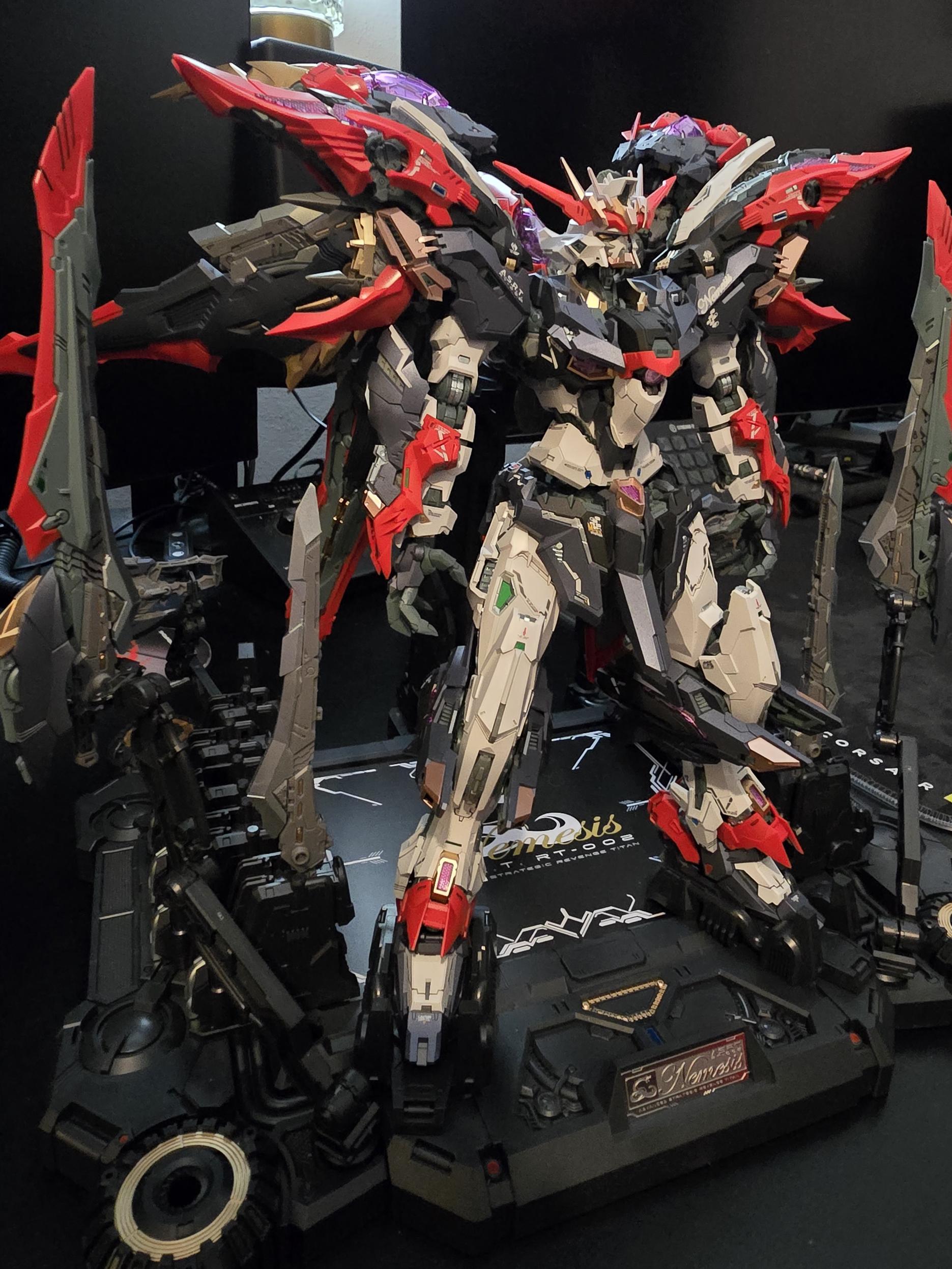
@alsivx Il Gundanio di Temu. È un gunpla cinese, ma come la maggior parte dei third party e bootleg da un bel pezzo a questa parte, è di gran lunga migliore dei Bandai.
-
Chissà che conversazioni possono avere agenti dell'ICE e agenti dell'IDF a Cortina
Anche l'inferno manda i suoi diavoli in vacanza sulla terra a volte
-
@francommit Il problema, più per come vengono chiamate, è per come vengono spacciate.
-
@KSGamingLife Fatto in gundanio ovviamente.
-
@SparkIT Ecco perché le istanze troppo grandi perdono di senso.
-
Speriamo non intervenga lo stesso restauratore di San Lorenzo in Lucina... 😂
Lavori alla Cappella Sistina: un leggero strato di "salificazione" ricopre il Giudizio Universale https://www.rainews.it/video/2026/02/lavori-alla-cappella-sistina-un-leggero-strato-di-salificazione-ricopre-il-giudizio-universale-6d16fa3b-5de2-4933-87f0-e7c2b1456dc7.html
-
@max d'altro canto questo è un mondo che privilegia la sintesi all'analisi (anche se in questo caso la sintesi, pur brutale, non è lontana dalla realtà 😂 ) Zalone docet...
-
FALSO
La Cassazione ha ammesso la richiesta di referendum da parte del Comitato che a gennaio ha raggiunto le firme necessarie e formulato il nuovo quesito (che si differenzia dal precedente solo perché indica le disposizioni costituzionali).
Ciò avrebbe eventualmente richiesto che si spostasse la data del referendum di due o tre settimane. Invece il Governo ha confermato la data già fissata.
Nessuno voleva boicottare nulla. Queste continue fake news si ritorceranno contro chi ne sta abusando