Skip to content

Piero Bosio Social Web Site Personale Logo Fediverso

Social Forum federato con il resto del mondo. Non contano le istanze, contano le persone

Just reminded that here-documents at the #bash prompt aren't completely useless.

Uncategorized
1 1 4

Gli ultimi otto messaggi ricevuti dalla Federazione
  • @Gina @krisfreedain good game! I've played a few games with my family too, though the youngest must be allowed to bend and/or dictate rules sometimes.

    read more

  • Optique 0.9.0プレリリース、テスト中です!

    今回の目玉機能はsync/asyncモード対応です。非同期の値パースや補完に対応したCLIパーサーが作れるようになりました。Gitのブランチ/タグ一覧のように、シェルコマンドの実行が必要な補完にぴったりです。

    Asyncモードはcombinatorを通じて自動的に伝播するので、開発者は末端のパーサーでだけsync/asyncを決めればOKです。

    インストール:

    npm add @optique/core@0.9.0-dev.212 @optique/run@0.9.0-dev.212 deno add --jsr @optique/core@0.9.0-dev.212 @optique/run@0.9.0-dev.212

    マージ前にフィードバックいただけると助かります!特に気になる点:

    APIの使い勝手 見落としているエッジケース TypeScriptの型推論の問題

    ドキュメント:

    Async value parsers(英文) Async parser execution(英文)

    PR: https://github.com/dahlia/optique/pull/70

    read more

  • @krisfreedain lol where did you get that??

    read more

  • Optique 0.9.0 프리릴리스 테스트 중입니다!

    이번 주요 기능은 동기/비동기 모드 지원입니다. 이제 비동기 값 파싱과 자동완성을 지원하는 CLI 파서를 만들 수 있습니다. Git 브랜치/태그 목록처럼 셸 명령 실행이 필요한 자동완성에 딱이에요.

    컴비네이터를 통해 async 모드가 자동으로 전파되기 때문에, 개발자는 말단 파서에서만 동기/비동기를 결정하면 됩니다.

    설치:

    npm add @optique/core@0.9.0-dev.212 @optique/run@0.9.0-dev.212 deno add --jsr @optique/core@0.9.0-dev.212 @optique/run@0.9.0-dev.212

    머지 전에 피드백 주시면 정말 감사하겠습니다! 특히 이런 부분이 궁금해요:

    API 사용성 에지 케이스 TypeScript 타입 추론 문제

    문서:

    Async value parsers (영문) Async parser execution (영문)

    PR: https://github.com/dahlia/optique/pull/70

    read more

  • Optique 0.9.0 pre-release is ready for testing!

    The big new feature: sync/async mode support. You can now build CLI parsers with async value parsing and suggestions—perfect for shell completions that need to run commands (like listing Git branches/tags).

    The API automatically propagates async mode through combinators, so you only decide sync vs async at the leaf level.

    Try it:

    npm add @optique/core@0.9.0-dev.212 @optique/run@0.9.0-dev.212 deno add --jsr @optique/core@0.9.0-dev.212 @optique/run@0.9.0-dev.212

    I'd love feedback before merging! Especially interested in:

    API ergonomics Edge cases I might have missed TypeScript inference issues

    Docs:

    Async value parsers Async parser execution

    PR: https://github.com/dahlia/optique/pull/70

    read more

  • Fun night to play Ticket to Ride - Netherlands edition 🇳🇱 (especially when I win lol 🤣)

    read more

  • Happy New Year to the @coop family! Looking forward to another year of sustainable, equitable, and democratic community building.

    read more

  • Modern optimizing compilers are truly amazing. Rust / LLVM just broke my brain by turning what I was SURE would be poorly optimized code due to indirection into a tight result with zero perceptible overhead.

    Modern CPUs also probably help.

    read more
Post suggeriti
  • Rules

    Uncategorized programming bash csh ksh fish opensource fork
    1
    1
    0 Votes
    1 Posts
    12 Views
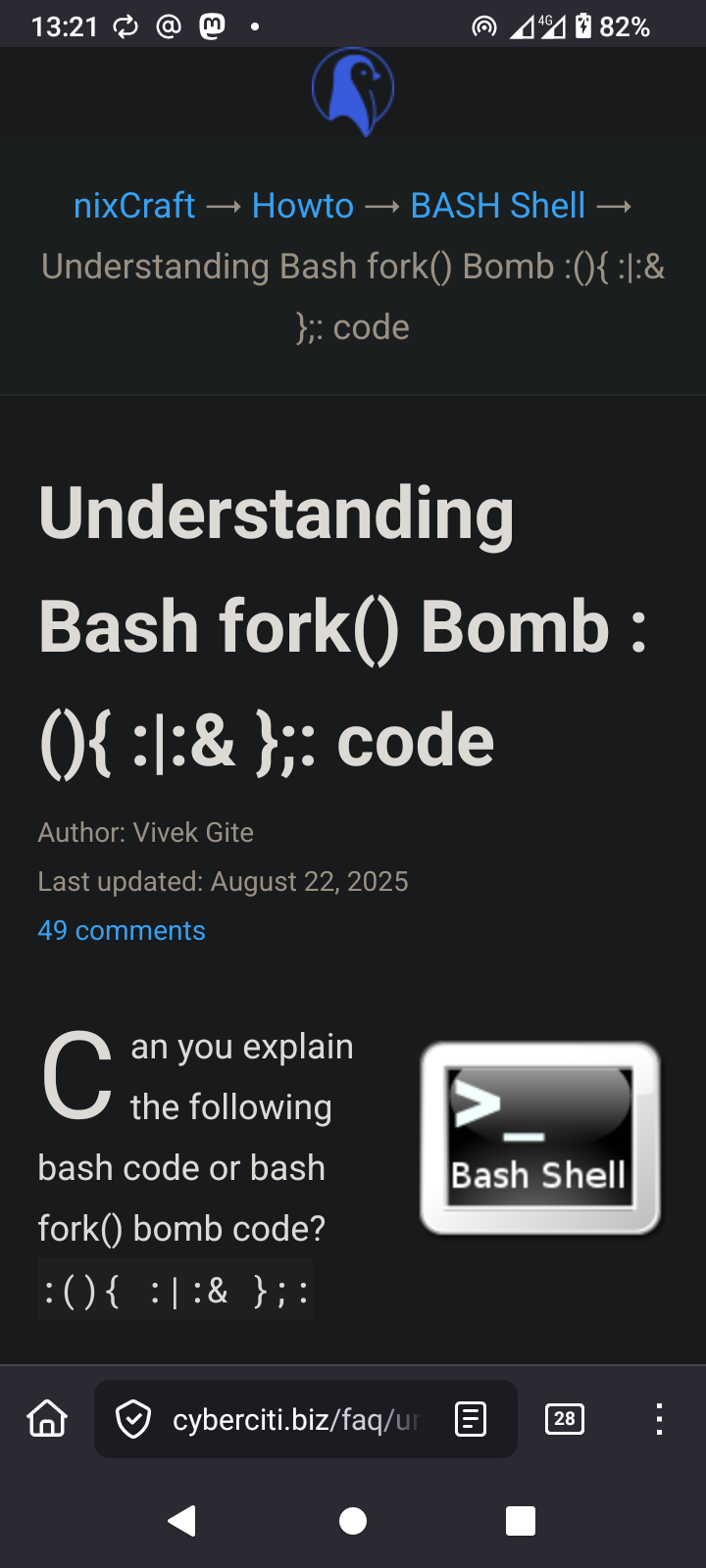
    Rules* Never execute scripts from the internet* Never execute scripts as root if you do not know what they do#Programming #bash #sh #csh #ksh #fish #OpenSource #fork #bomb #forkbomb https://www.cyberciti.biz/faq/understanding-bash-fork-bomb/
  • 0 Votes
    1 Posts
    9 Views
    Just launched a new site to showcase my open source work. Would love feedback: https://galtzo.com#oss #ruby #bash #go
  • 0 Votes
    3 Posts
    17 Views
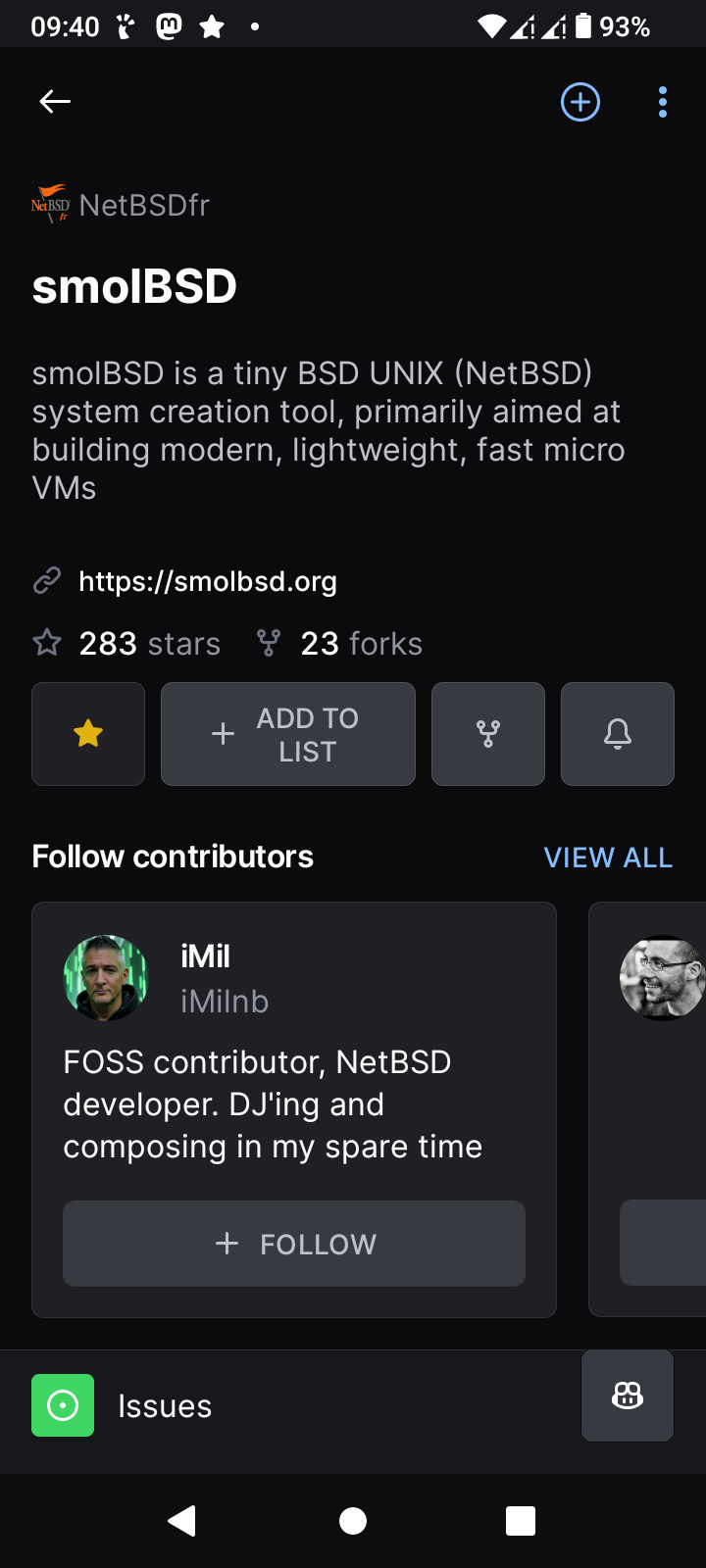
    @stefano @nixCraft @imil Here on Debian {in MX Linux} I had to add the following tools since the machine is not configured for programmingbmake`apt install bmake`bsdtar`apt install libarchive-tools`then success>> log# $ ./startnb.sh -f etc/sshd.conf* using console: vioconusing QEMU version 7.2.19 (Debian 1:7.2+dfsg-7+deb12u16)[ 1.0000000] NetBSD 11.99.3 (MICROVM) Notice: this software is protected by copyright[ 1.0000000] Detecting hardware... (QBOOT 000000000000)[ 1.0257426] done.[ 1.0345973] kernel boot time: 51msCreated tmpfs /dev (1835008 byte, 3552 inodes)add net default: gateway 10.0.2.2Starting sshd.Server listening on :: port 22.Server listening on 0.0.0.0 port 22.>> End of log^ZI pressed ^C to enter the server to add the needed passwords for the user and rootlogin was a success then#netBSD #BSD #UNIX #OpenSource #programming #quemu #bash #sh
  • 0 Votes
    1 Posts
    11 Views
    Optique 0.6.0 is here, bringing intelligent shell completion to your type-safe command-line applications. This release introduces built-in completion support for Bash, zsh, fish, PowerShell, and Nushell, making your CLIs more discoverable and user-friendly—all without sacrificing type safety or requiring duplicate definitions. For those new to [Optique]: it's a TypeScript CLI parser library that takes a fundamentally different approach from traditional configuration-based parsers. Instead of describing your CLI with configuration objects, you compose parsers from small, type-safe functions. TypeScript automatically infers the exact types of your parsed data, ensuring compile-time safety while the parser structure itself provides runtime validation. Think of it as bringing the composability of parser combinators (inspired by Haskell's optparse-applicative) together with the type safety of TypeScript's type system. Shell completion that just works The standout feature of this release is comprehensive shell completion support. Unlike many CLI frameworks that require separate completion definitions, Optique's completion system leverages the same parser structure used for argument parsing. This means your completion suggestions automatically stay synchronized with your CLI's actual behavior—no duplicate definitions, no manual maintenance. import { object } from "@optique/core/constructs"; import { argument, option } from "@optique/core/primitives"; import { string, choice } from "@optique/core/valueparser"; import { run } from "@optique/run"; const parser = object({ format: option("-f", "--format", choice(["json", "yaml", "xml"])), output: option("-o", "--output", string({ metavar: "FILE" })), verbose: option("-v", "--verbose"), input: argument(string({ metavar: "INPUT" })), }); // Enable completion with a single option const config = run(parser, { completion: "both" }); Users can now press Tab to get intelligent suggestions: myapp <TAB> # Shows available commands and options myapp --format <TAB> # Shows: json, yaml, xml myapp --format=<TAB> # Same suggestions with equals syntax myapp -<TAB> # Shows: -f, -o, -v, and other short options Setting up completion is straightforward. Users generate a completion script for their shell and source it: # Bash myapp completion bash > ~/.bashrc.d/myapp.bash source ~/.bashrc.d/myapp.bash # zsh myapp completion zsh > ~/.zsh/completions/_myapp # fish myapp completion fish > ~/.config/fish/completions/myapp.fish # PowerShell myapp completion pwsh > myapp-completion.ps1 . ./myapp-completion.ps1 # Nushell myapp completion nu | save myapp-completion.nu source myapp-completion.nu The completion system works automatically with all Optique parser types. When you use choice() value parsers, the available options become completion suggestions. When you use path() parsers, file system completion kicks in with proper handling of extensions and file types. Subcommands, options, and arguments all provide context-aware suggestions. What makes Optique's completion special is that it leverages the same parser structure used for argument parsing. Every parser has an optional suggest() method that provides context-aware suggestions based on the current input. Parser combinators like object() and or() automatically aggregate suggestions from their constituent parsers, ensuring your completion logic stays in your TypeScript code where it benefits from type safety and testing. Optique handles the differences between shells transparently. Bash uses the complete command with proper handling of word splitting, zsh leverages its powerful compdef system with completion descriptions, fish provides tab-separated format with automatic file type detection, PowerShell uses Register-ArgumentCompleter with AST-based parsing, and Nushell integrates with its external completer system. For file and directory completions, Optique delegates to each shell's native file completion system, ensuring proper handling of spaces, symlinks, and platform-specific path conventions. Custom completion suggestions For domain-specific value parsers, you can implement custom completion logic that provides intelligent suggestions based on your application's needs: import type { ValueParser, ValueParserResult } from "@optique/core/valueparser"; import type { Suggestion } from "@optique/core/parser"; import { message } from "@optique/core/message"; function httpMethod(): ValueParser<string> { const methods = ["GET", "POST", "PUT", "DELETE", "PATCH", "HEAD", "OPTIONS"]; return { metavar: "METHOD", parse(input: string): ValueParserResult<string> { const method = input.toUpperCase(); if (methods.includes(method)) { return { success: true, value: method }; } return { success: false, error: message`Invalid HTTP method: ${input}. Valid methods: ${methods.join(", ")}.`, }; }, format(value: string): string { return value; }, *suggest(prefix: string): Iterable<Suggestion> { for (const method of methods) { if (method.toLowerCase().startsWith(prefix.toLowerCase())) { yield { kind: "literal", text: method, description: message`HTTP ${method} request method` }; } } }, }; } The built-in value parsers also provide intelligent suggestions. For instance, the locale() parser suggests common locale identifiers, the url() parser offers protocol completions when configured with allowedProtocols, and the timezone parsers from @optique/temporal use Intl.supportedValuesOf() for dynamic timezone suggestions. Enhanced command documentation This release also introduces new documentation capabilities for the command() parser. You can now provide separate brief and description texts, along with a footer for examples and additional information: import { command, object, constant } from "@optique/core/primitives"; import { message } from "@optique/core/message"; const deployCommand = command( "deploy", object({ action: constant("deploy"), // ... options }), { brief: message`Deploy application to production`, // Shown in command list description: message`Deploy the application to the production environment. This command handles database migrations, asset compilation, and cache warming automatically. It performs health checks before switching traffic to ensure zero-downtime deployment.`, // Shown in detailed help footer: message`Examples: myapp deploy --environment staging --dry-run myapp deploy --environment production --force For deployment documentation, see: https://docs.example.com/deploy` } ); The brief text appears when listing commands (like myapp help), while description provides detailed information when viewing command-specific help (myapp deploy --help or myapp help deploy). The footer appears at the bottom of the help text, perfect for examples and additional resources. Command-line example formatting To make help text and examples clearer, we've added a new commandLine() message term type. This displays command-line snippets with distinct cyan coloring in terminals, making it immediately clear what users should type: import { message, commandLine } from "@optique/core/message"; import { run } from "@optique/run"; const config = run(parser, { footer: message`Examples: ${commandLine("myapp --format json input.txt")} ${commandLine("myapp --format=yaml --output result.yml data.txt")} To enable shell completion: ${commandLine("myapp completion bash > ~/.bashrc.d/myapp.bash")} ${commandLine("source ~/.bashrc.d/myapp.bash")}`, completion: "both" }); These command examples stand out visually in help text, making it easier for users to understand how to use your CLI. Migration guide If you're already using Optique, adding completion support is straightforward: Update to Optique 0.6.0 Add the completion option to your run() configuration: // Before const config = run(parser, { help: "both" }); // After const config = run(parser, { help: "both", completion: "both" // Adds both 'completion' command and '--completion' option }); That's it! Your CLI now supports shell completion. The completion option accepts three modes: "command": Only the completion subcommand (e.g., myapp completion bash) "option": Only the --completion option (e.g., myapp --completion bash) "both": Both patterns work For custom value parsers, you can optionally add a suggest() method to provide domain-specific completions. Existing parsers continue to work without modification—they just won't provide custom suggestions beyond what the parser structure implies. Looking forward Shell completion has been one of the most requested features for Optique, and we're thrilled to deliver it in a way that maintains our core principles: type safety, composability, and zero duplication. Your parser definitions remain the single source of truth for both parsing and completion behavior. This release represents a significant step toward making Optique-based CLIs as user-friendly as they are developer-friendly. The completion system proves that we can provide sophisticated runtime features without sacrificing the compile-time guarantees that make Optique unique. We hope you find the new shell completion feature useful and look forward to seeing what you build with it! Getting started To start using Optique 0.6.0: deno add --jsr @optique/core@^0.6.0 @optique/run@^0.6.0 npm add @optique/core@^0.6.0 @optique/run@^0.6.0 pnpm add @optique/core@^0.6.0 @optique/run@^0.6.0 yarn add @optique/core@^0.6.0 @optique/run@^0.6.0 bun add @optique/core@^0.6.0 @optique/run@^0.6.0 For complete documentation, visit optique.dev. Check out the new shell completion guide for detailed setup instructions and advanced usage patterns. For bug reports and feature requests, please visit our GitHub repository.