I am setting up my new hard drive.
Uncategorized
28
Posts
16
Posters
35
Views

-
*before performing any computer task* Hey, Mastodon‚ is this tool… haunted?
@mcc "GPT's haunted."
-
*before performing any computer task* Hey, Mastodon‚ is this tool… haunted?
@mcc last I checked, which was wildly outdated like a decade ago, it was easier to install windows first over the whole disk, then fix the situation in gparted later. windows doesn't generally understand that it has to share
-
I am setting up my new hard drive. I think I want to put a NTFS partition at the end of the drive and a Linux partition at the start of the drive. I assumed NTFS wants to be created by Windows, so I went into "Disk Management" and it's… mysterious. I guess what I want to do here is create one "blank partition" filling the non-NTFS bits and then one NTFS partition filling the rest?
Does ANYTHING on ANY OS care if the GPT is created by Windows, Linux, whatever?
@mcc@mastodon.social I don't think that matters.
Though creating GPT on a disk under Windows would automatically creates a Microsoft Reserved (MSR) partition that's about 128 or 256 MB in size. You can see or delete that partitionwith command line tooldiskpartunder Windows (or any other partitioner softwares of your liking, MSRs' are only hidden indiskmgmt.msc). It wasn't anywhere near affecting functionality, but it's certainly annoying.
Edit: and you can certainly saydiskmgmt.mscis haunted because of that :)
Oh, and, if you're installing Windows on this disk (skip this entire section if you're not) and intent to usediskpartto create partition layout for it, remember to format EFI System Partition after creation because diskpart default to not automatically formatting the partitions it created, and ESP aren't formattable indiskmgmt.mscor windows file explorer. -
@mcc oh yeah it absolutely does that, because it doesn't believe grub exists. you're installing windows, which means you want windows to boot. if there is some detritus in the boot sector _obviously_ it would delete that
-
@dlakelan I thought it would be obvious, but I meant using LUKS with a blank passphrase and scrambling the passphrase when you decommission the drive.
as I understand it, LUKS master keys are not derived directly from the passphrase but instead generated randomly and encrypted with it, precisely so that you can change the password without rewriting the whole drive. so scrambling the LUKS password should render the data just as unrecoverable as your strategy would with less effort, shouldn't it?
-
@dlakelan I thought it would be obvious, but I meant using LUKS with a blank passphrase and scrambling the passphrase when you decommission the drive.
as I understand it, LUKS master keys are not derived directly from the passphrase but instead generated randomly and encrypted with it, precisely so that you can change the password without rewriting the whole drive. so scrambling the LUKS password should render the data just as unrecoverable as your strategy would with less effort, shouldn't it?
@hatzka @dlakelan Correct. The (blank) passphrase just decrypts a key slot containing the randomly generated key used for actual disk encryption, and removing these key slots renders the partition unreadable. https://www.man7.org/linux/man-pages/man8/cryptsetup-erase.8.html
-
*before performing any computer task* Hey, Mastodon‚ is this tool… haunted?
@mcc reverse Betteridge's Law applies here.
-
@mcc oh yeah it absolutely does that, because it doesn't believe grub exists. you're installing windows, which means you want windows to boot. if there is some detritus in the boot sector _obviously_ it would delete that
@glyph @mcc IIRC there’s some arcane writings on the correct order of things to make modern windows happy (tpm/secure boot and drive encryption throw a wrench in things I think) AND have it not clobber grub/etc. it’s been a while.
I had to do some similar malarkey with macos on an intel mini and at some point I lost the ability to boot the macos partition (frankly, no loss, it was ancient and I only boot it to Linux now)







Gli ultimi otto messaggi ricevuti dalla Federazione
-
@moss I just noticed it wasn't the hilt of the sword
-
i'm so thankful for those of you who notice when i hide my weird shit in alt text
the medium is the massage

-
@aeva i actively avoid thinking about that, actually.
-- brought to you by feelings of not belonging to this body
-
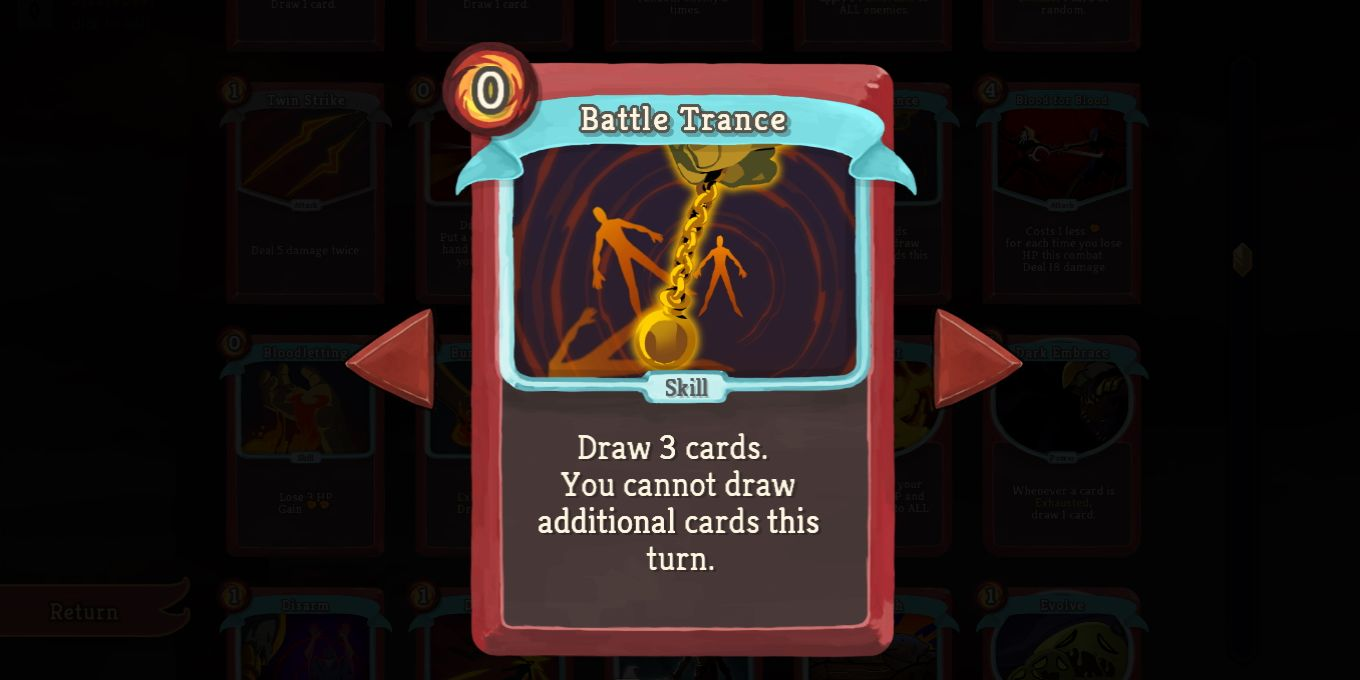
I just realized this isn’t a saxophone
I really thought the enemies were really entranced by the ironclad’s oh-so-smooth jazz
-
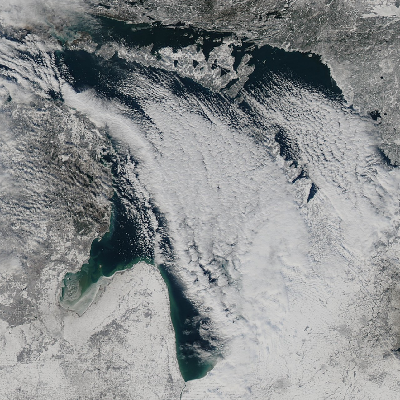
Current* conditions near Alpena, MI:
-
@aeva Often.
-
In questo corto faccio finta di saper recitare: https://makertube.net/w/foVtZ5CN7Uf6s3nuVFzBUM
C’è qualche easter egg varesino per i più attenti…
-
you ever wonder who you're renting your life from