Most hashtags are pretty obvious, you just put # in front of a topic.
Uncategorized
115
Posts
57
Posters
287
Views
-
@FediTips I have a suggestion for a non-obvious hashtag that I love to follow
#特に意味をなさない猫の計測
(Measurement of cats that do not make sense in particular) 😹 -
@FediTips
"texlatex" for discussion around LaTeX (the markup language), since just the name overlaps with kink content (since Hashtags don't respect capitalization)Thank you, added 🙏
-
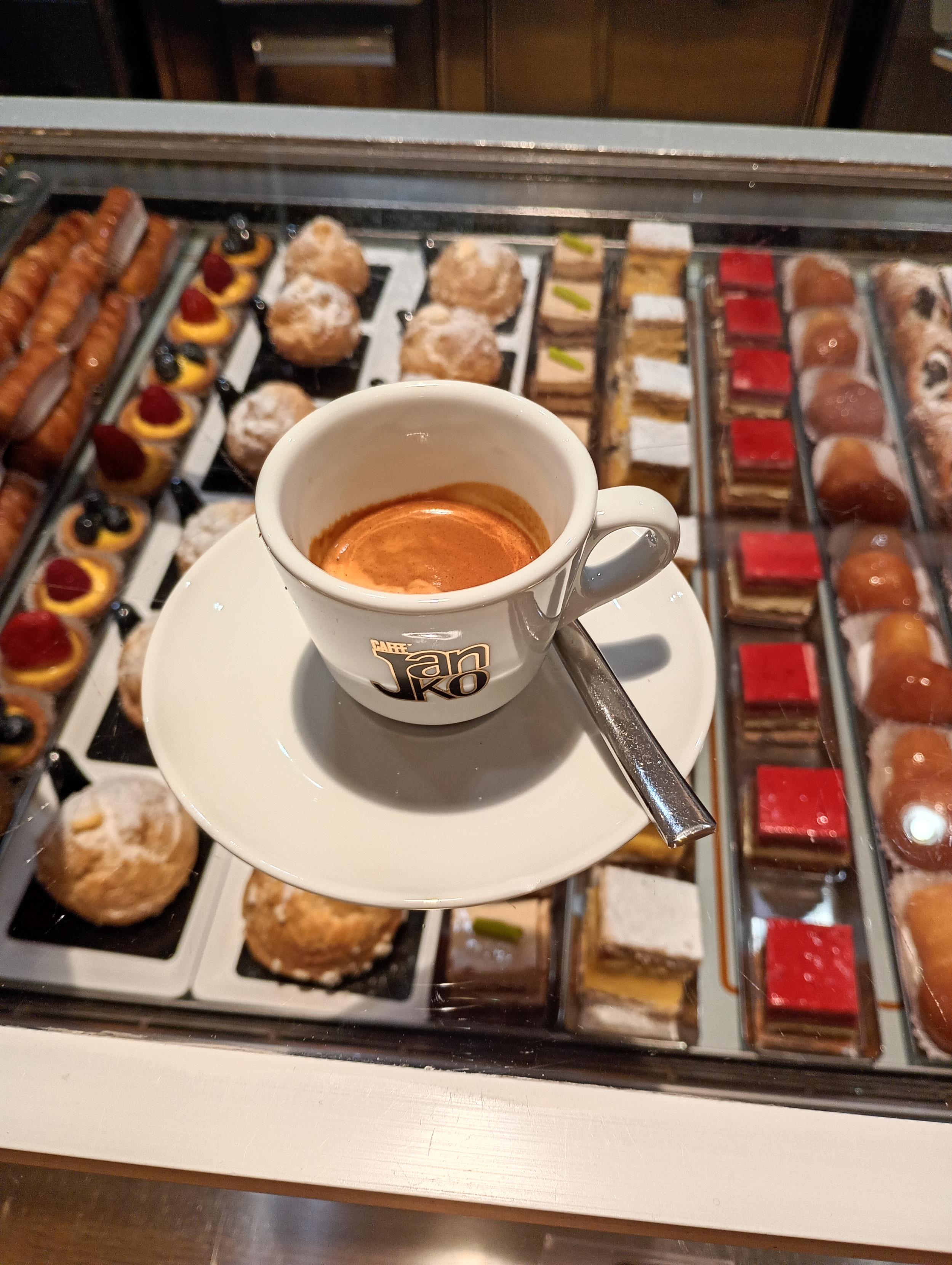
Most hashtags are pretty obvious, you just put # in front of a topic. For example if a post is about coffee it might have the tag #Coffee
However, many popular hashtags have difficult-to-guess names, so I've started a list to help people discover them:
➡️ https://fedi.tips/fun-and-useful-hashtags-to-follow-on-mastodon-and-the-wider-fediverse
Copy-paste a hashtag into the search box in Mastodon if you want to browse or follow it.
If you have suggestions for non-obvious hashtags that should be added to the list, let me know in the replies 🙂
-
-
@FediTips that's the least we can do for our feline overlords... :P
But I'm just razzing you. :)
-
p.s. Just to make clear what this list is for:
This isn't a list of all the hashtags people should use, because most of them are obvious and don't need a guide. Something like #Gardening is obvious and there's no need for anyone to tell you about it.
The point of this list is for unusual tags which aren't obvious. Things like #LichenSubscribe or #Florespondence aren't tags you could guess the existence of, you would have to be told about them. That's the point of this list.
p.p.s. To make even clearer: this is *NOT* a list of important hashtags, it's just a list of widely-used tags that people might not know about because they're spelt in a weird way or they use a difficult-to-guess arbitrary phrase or portmanteau.
I'm just doing this to help people discover tags they might not discover otherwise. It's *NOT* meant to be some list of significant or cool things or anything like that.
-
-
p.p.s. To make even clearer: this is *NOT* a list of important hashtags, it's just a list of widely-used tags that people might not know about because they're spelt in a weird way or they use a difficult-to-guess arbitrary phrase or portmanteau.
I'm just doing this to help people discover tags they might not discover otherwise. It's *NOT* meant to be some list of significant or cool things or anything like that.
@FediTips Would #DurfTeVragen or #DTV for short count? It literally means "dare to ask", and is the Dutch equivalent of "asking for a friend". We also use #Treinleven ("Train Life") for anything related to (being on) (Dutch) trains.
-
@FediTips iPhone added a measuring tool at some point, so people started measuring stuff available... Like their cats 😹
-
-
Most hashtags are pretty obvious, you just put # in front of a topic. For example if a post is about coffee it might have the tag #Coffee
However, many popular hashtags have difficult-to-guess names, so I've started a list to help people discover them:
➡️ https://fedi.tips/fun-and-useful-hashtags-to-follow-on-mastodon-and-the-wider-fediverse
Copy-paste a hashtag into the search box in Mastodon if you want to browse or follow it.
If you have suggestions for non-obvious hashtags that should be added to the list, let me know in the replies 🙂
@FediTips
Great list! I scanned it for all the ones I follow... and you had them all! 😁 -
p.p.s. To make even clearer: this is *NOT* a list of important hashtags, it's just a list of widely-used tags that people might not know about because they're spelt in a weird way or they use a difficult-to-guess arbitrary phrase or portmanteau.
I'm just doing this to help people discover tags they might not discover otherwise. It's *NOT* meant to be some list of significant or cool things or anything like that.
@FediTips In that case:
#Bleptember - for animals with their tongues out in September
-
@FediTips In that case:
#Bleptember - for animals with their tongues out in September
Thank you! 👍
-
Most hashtags are pretty obvious, you just put # in front of a topic. For example if a post is about coffee it might have the tag #Coffee
However, many popular hashtags have difficult-to-guess names, so I've started a list to help people discover them:
➡️ https://fedi.tips/fun-and-useful-hashtags-to-follow-on-mastodon-and-the-wider-fediverse
Copy-paste a hashtag into the search box in Mastodon if you want to browse or follow it.
If you have suggestions for non-obvious hashtags that should be added to the list, let me know in the replies 🙂
@FediTips
For people in Ireland:
#mastodaoine #mastodonie -
Most hashtags are pretty obvious, you just put # in front of a topic. For example if a post is about coffee it might have the tag #Coffee
However, many popular hashtags have difficult-to-guess names, so I've started a list to help people discover them:
➡️ https://fedi.tips/fun-and-useful-hashtags-to-follow-on-mastodon-and-the-wider-fediverse
Copy-paste a hashtag into the search box in Mastodon if you want to browse or follow it.
If you have suggestions for non-obvious hashtags that should be added to the list, let me know in the replies 🙂
@FediTips
There are several #hashtags that celebrate wetlands in specific months:#Fenuary (fens/February)
#MarshMadness (marshes/March)
#Swamptember (swamps/September)
#Bogtober (bogs/October)
-
 undefined oblomov@sociale.network shared this topic on










Gli ultimi otto messaggi ricevuti dalla Federazione
-
Il comparto bellico si muove, i movimenti contro il riarmo si mobilitano. qual è il ruolo dell’italia nei conflitti?
@anarchia
Logistica di guerra. I movimenti italiani contro il riarmo sono tornati a mobilitarsi contro alla presenza sempre più massiccia di armamenti, munizioni e mezzi militari sul territorio. Da Pisa a
-
Current* conditions near Grand Marais, MI:
-
Current* conditions near St. Ignace, MI:
-
L’Anticristo e la domanda: che uomini siamo?
https://ilmanifesto.it/lanticristo-e-la-domanda-che-uomini-siamo
-
Current* conditions near Two Harbors, MN:
-
@aeva Ah you took that course too
-
@ObsidianUrbex ohmygod is that beautiful
-
@ObsidianUrbex there is some Guinness related house in Dublin people do this in