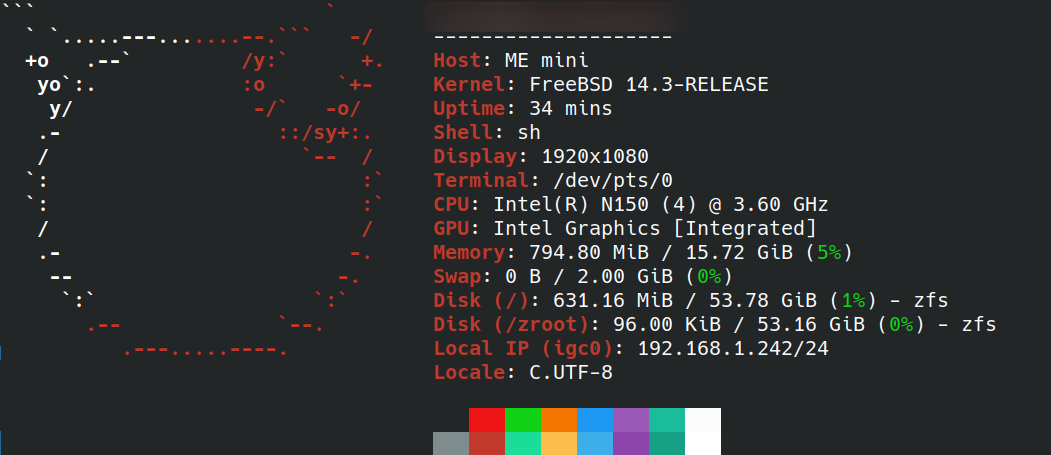
Jellyfin on FreeBSD - a new great article by @jhx for the BSD Cafe Journal!
Uncategorized
1
Posts
1
Posters
9
Views

Gli ultimi otto messaggi ricevuti dalla Federazione
-
@alephoto85 grazie! Io mi ero fatto convincere da uno dei kit su aliexpress, ma non serve nemmeno, basta una matassina di cotone e un uncinetto…internet offre un sacco di spunti e alla fine diventa una droga😅
-
This is what a tweet looks like in my twitter-like blogging system
-
-
How long has it been since you last used a meal kit service?
-
-
@raphael @mariusor I should have been clearer. The signature is useless if you abbreviate the object.
-
@quephird oh cool, apparently the PS5 version has a VR mode.
-
@quephird yup! I played the demo on my steamdeck, and it is very fancy :) idk what plans they may or may not have for porting to other consoles