New Social Web Working Group at W3C
Fediverse
11
Posts
7
Posters
52
Views
-
This post did not contain any content.
-
This post did not contain any content.
One Community Group document that will be moving into the Working Group is LOLA, the live data portability spec that originated in the CG’s Data Portability Task Force. LOLA lets users move from one ActivityPub server to another while retaining all their social connections, their content, and their reactions. It’s a great improvement for data portability on the social web.
Exciting stuff!
-
This post did not contain any content.
Awesome!
-
This post did not contain any content.
Are the Lemmy and piefed devs going to be a part of this? We need some representation so its not all addressing micro blogging things
-
Are the Lemmy and piefed devs going to be a part of this? We need some representation so its not all addressing micro blogging things
To my knowledge, one must be an "invited expert" in order to join these discussions.
However, the working group is only one aspect. The community group has been in existence for a number of years. I am part of that group (although I admit I don't go to as many meetings as I ought to), and try to represent the threadiverse as best as I can.
-
This post did not contain any content.
While LOLA is great, I'd really love an established handshake mechanism for having two accounts on two bespoke services represent the same user.
For example, I want to have a pixel fed and mastodon presence that can be authored between the two. However, you currently can't make two accounts that are effectively linked to each other. I feel like this linking is important for further decentralizing the fediverse (by effectively decentralizing the user itself)
-
While LOLA is great, I'd really love an established handshake mechanism for having two accounts on two bespoke services represent the same user.
For example, I want to have a pixel fed and mastodon presence that can be authored between the two. However, you currently can't make two accounts that are effectively linked to each other. I feel like this linking is important for further decentralizing the fediverse (by effectively decentralizing the user itself)
This is something I believe the ActivityPub API can tackle...
-
While LOLA is great, I'd really love an established handshake mechanism for having two accounts on two bespoke services represent the same user.
For example, I want to have a pixel fed and mastodon presence that can be authored between the two. However, you currently can't make two accounts that are effectively linked to each other. I feel like this linking is important for further decentralizing the fediverse (by effectively decentralizing the user itself)
That's because AP as it is implemented today is crap, it's a superficial compatibility layer on top of a proprietary (as in, doing non-standardized stuff) platform. We need to take it on its head and make AP the actual core then build on top but that requires some work
-
That's because AP as it is implemented today is crap, it's a superficial compatibility layer on top of a proprietary (as in, doing non-standardized stuff) platform. We need to take it on its head and make AP the actual core then build on top but that requires some work
What is this proprietary layer you speak of?
-
The mastodon api, or the lemmy api, or the xyz api. Eagh platform has its own. Being public doesn't make it standard, hence the "proprietary" qualifier
-
The mastodon api, or the lemmy api, or the xyz api. Eagh platform has its own. Being public doesn't make it standard, hence the "proprietary" qualifier
Oh I see. Yes, AP first apps would be great, but getting older apps connected via AP is important too.
NodeBB predates ActivityPub (or came around the same time), and so we added it recently. It works quite well with our existing code. Not much of a compatibility layer.





Gli ultimi otto messaggi ricevuti dalla Federazione
-
@anthony@forum.unfinishedprojects.net did you just remove the privilege from "fediverse"? Leave it on for "registered-users"
Edit: oh I see what you mean. Let me take a look at this tomorrow.
-
@julian@activitypub.space - Sorry to always bother you with questions. But according to the github issue suggestion: https://github.com/NodeBB/NodeBB/issues/14019#issuecomment-3974850252
I unchecked the "upvote" & "downvote" section that holds the federated communities. Instead of just on federated users, I did it on all of them.
It still seems to not be working. Is this a bug or user error?
-
Well, Darn. That didn't work.

A few more upvotes please. I adjusted a setting - hopefully it fixes it.
[Edit]
Well, Darn. That didn't work.
A few more upvotes please. I adjusted a setting - hopefully it fixes it.
[EDIT 2]
Well the numbers havn't changed here. So maybe it is working. do these numbers show different on anyone elses instance/community?

-
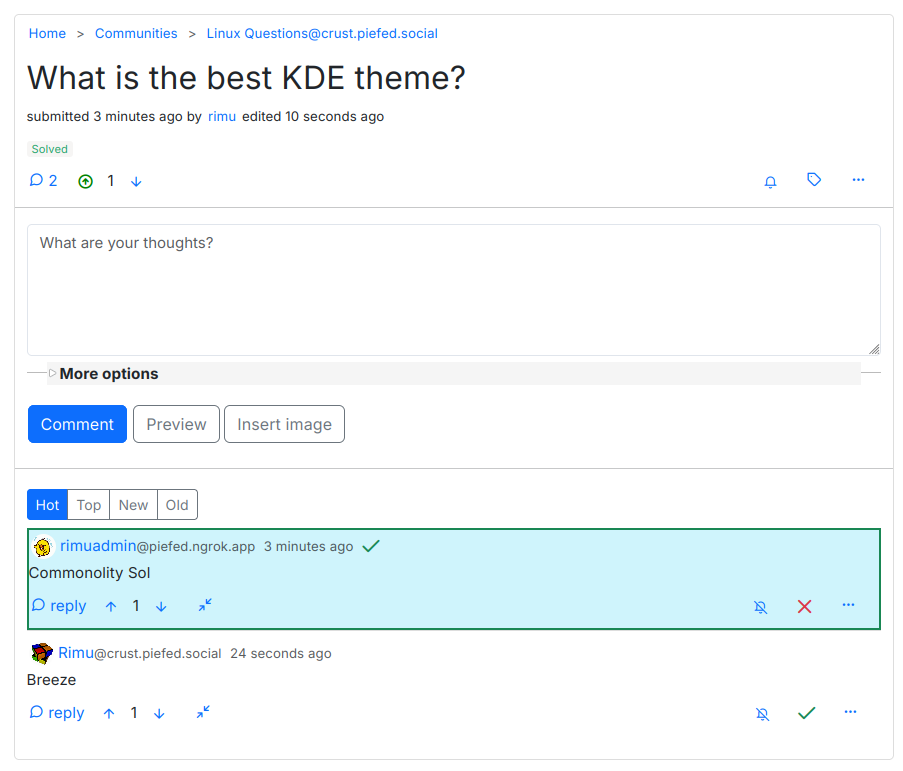
Hey, I tried to make it so that upvotes people give this post and my comments won't actually affect my nodeBB forum reputation. Anyone mind upvoting a few times to test this out.
For my own reference to see if it changed:

-
I put together a brief explainer here 🙂
https://community.nodebb.org/topic/19218/federation-what-is-it-and-how-does-it-work
-
Actually I fear that if I tag the community, my reply might appear as a new post in the community, rather than a reply in a previous post.
According to this source it may happen that replies from Mastodon simply don't show up.
-
Thanks for the tip! let me try that :)
-
You might have to tag the community for it to show up.