Oh my, the modern web is so bloated/overloaded
Uncategorized
5
Posts
2
Posters
12
Views
-
Oh my, the modern web is so bloated/overloaded.
My Thinkpad x260 (Yoga) is dying while playing a Youtube video... let alone dropping a lot of frames.
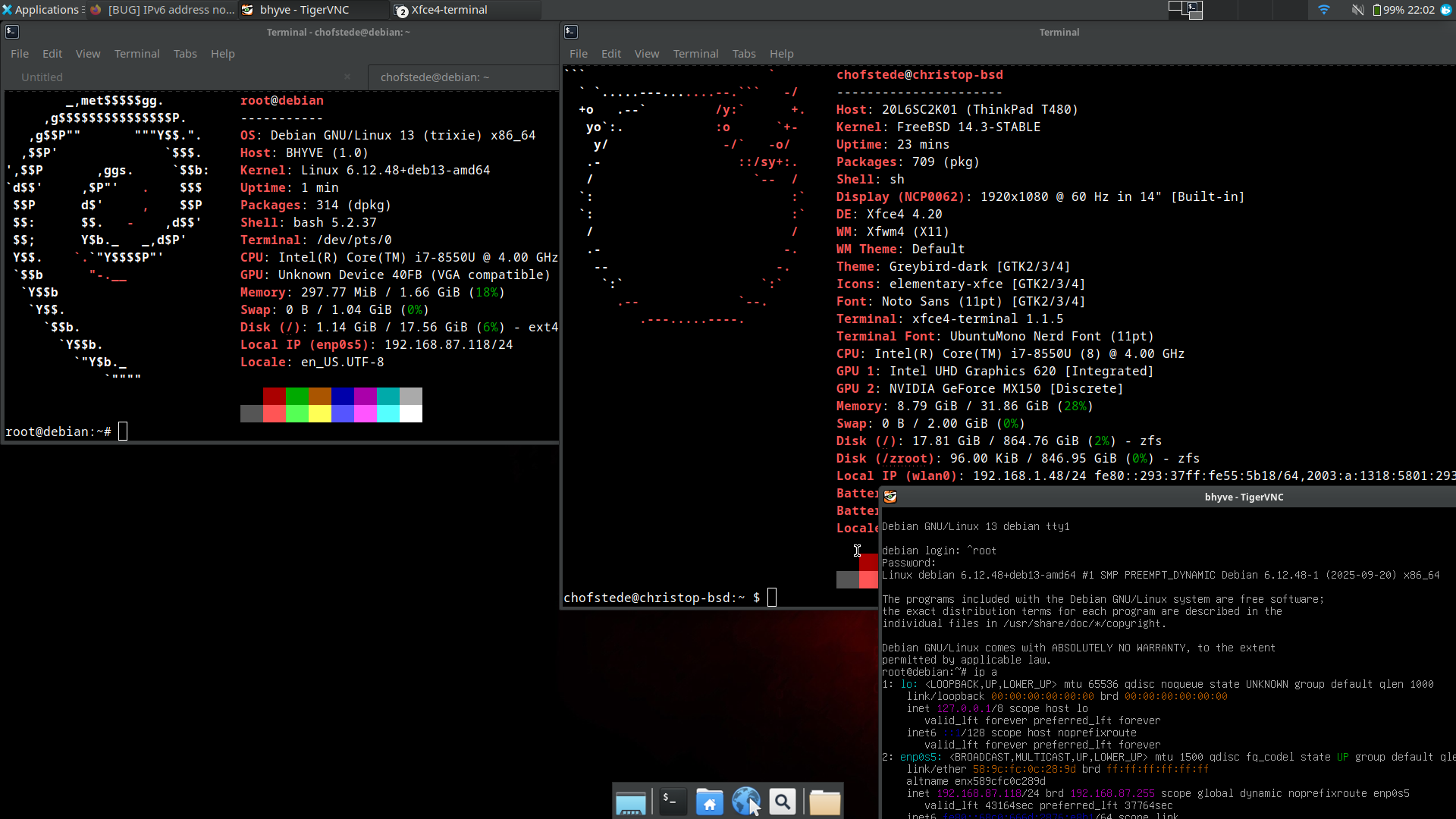
I know, the CPU is older (i5-6200U) but come on - this is crazy.I've set the notebook up to play around with #FreeBSD on the desktop some more. Running #Xfce currently and having some dev stuff installed.
#FreeBSD handles the notebook like a champ, everything works... sadly that is not the same for using the web with a modern browser.
720p playbook loads up the CPU at a constant 50/60%.
Well, at least surfing the web is kinda ok... but not great tbh.Times really have changed... for the worse in some aspects.
I still remember surfing the web back than with a tiny AMD single core CPU - which was more then enough.Enough ranting.
-
Oh my, the modern web is so bloated/overloaded.
My Thinkpad x260 (Yoga) is dying while playing a Youtube video... let alone dropping a lot of frames.
I know, the CPU is older (i5-6200U) but come on - this is crazy.I've set the notebook up to play around with #FreeBSD on the desktop some more. Running #Xfce currently and having some dev stuff installed.
#FreeBSD handles the notebook like a champ, everything works... sadly that is not the same for using the web with a modern browser.
720p playbook loads up the CPU at a constant 50/60%.
Well, at least surfing the web is kinda ok... but not great tbh.Times really have changed... for the worse in some aspects.
I still remember surfing the web back than with a tiny AMD single core CPU - which was more then enough.Enough ranting.
This post is deleted! -
This post is deleted!
@winterschon
The x260 is a nice laptop for sure!
Yeah, same here. Thermal shutdown so far has been avoided - the CPU still manages quite well.
But of course: One can feel the weight of the "modern" web.
The bloat is on another level nowadays... sadly.
We should go back to text only websites in pure HTML and a little CSS - at most some pictures. That would fair us all a lot better.
Let alone the massive e-waste created by planned obsolescense...
Well, the world we live in sure is crazy! -
 undefined stefano@mastodon.bsd.cafe shared this topic on
-
@winterschon
The x260 is a nice laptop for sure!
Yeah, same here. Thermal shutdown so far has been avoided - the CPU still manages quite well.
But of course: One can feel the weight of the "modern" web.
The bloat is on another level nowadays... sadly.
We should go back to text only websites in pure HTML and a little CSS - at most some pictures. That would fair us all a lot better.
Let alone the massive e-waste created by planned obsolescense...
Well, the world we live in sure is crazy!This post is deleted! -
This post is deleted!
@winterschon
Indeed, a great machine for sure!That would fix quite some of the problems we face. I see all these cheap laptops at work which are obsolete when they leave the factory (We don't recommend these... but customers want cheap stuff always - sadly)
Gemini would be a great alternative!
The e-waste debacle is sadly too real.
Maybe someday we will all own modular/hackable devices that don't get obsoleted when sold.
Well, we can dream at least 🙂

Gli ultimi otto messaggi ricevuti dalla Federazione
-
Last week I had 69 followers… today, the followers count is up to 267! A few days ago, the ActivityPub for WordPress plugin updated to v8.0.0, last weekend I get another try to move followers from my Mastodon account to this site, I had been trying that for months with absolute zero success… but at last I hit the jackpot! The move was not perfect, as 65 followers are still on Masto and not around here (although I think I can figure why), let’s see if they are added in next days.
This space is my portfolio and personal site so I publish notes on books, movies, comics, series, local activities and events; a lot of that is redacted in spanish and some in english. Also, I share all the artwork I stop posting on my former Fediverse profile, for example, the sketches from this post (part of an upcoming guide to create Mastodon profiles).
-
@francina1909 @misantropo70 e infatti, cerca di riattivarti 🧐😘
-
More progress https://dustycloud.org/tmp/org_diet_results.html
-
@alda7069
Siccome tizio vota SI, io voto NO.
Siccome caio vota NO, io voto SI.E nessuno che parla del contenuto del referendum.
Avanti così... ma poi non lamentiamoci.
-
@misantropo70 ma se scrivo solo bischerate! 😂
E pure scarse ultimamente
-
@synthBirba intanto ti boosto, poi ti chiedo se hai già pensato a writefreely. C'è @log di LivelloSegreto, per dire...
-
@foone Would https://oxide.computer/ be an option? They have new open positions.
-
Jen's live in her Studio!
24 hours left on Kickstarter! Come see what a successful campaign does to a creator (chill stream)
#owncast #streaming #comics #art #TraditionalArt #MastoArt #Livestream