Skip to content

Piero Bosio Social Web Site Personale Logo Fediverso

Social Forum federato con il resto del mondo. Non contano le istanze, contano le persone

Fine di un era!

Uncategorized
4 3 16

Gli ultimi otto messaggi ricevuti dalla Federazione
  • @aeva lol yeah the set designers definitely copied Trek’s homework.

    read more

  • read more

  • @brouhaha Next time someone asks, "What is Mastodon?" I'm showing them this.

    read more

  • @globalistIT ma invece nei confronti delle occupazioni abusive di stabili e delle manifestazioni e saluti nazisti di "šŸ’©paund&co"😠come si pongono?,ovviamente la domanda ĆØ retorica🤐

    read more

  • @_elena still no simple FTP server that doesn't require 287302723 different config files with 0xDEADBEEF command line options.

    Honestly if a ftp server is more complicated than `ftpserver $HOME --write --read` then it is a failed one.

    read more

  • read more

  • Plug Into USB, Read Hostname and IP Address

    Ever wanted to just plug something in and conveniently read the hostname and IP addresses of a headless board like a Raspberry Pi? Chances are, a free USB port is more accessible than digging up a monitor and keyboard, and that’s where [C4KEW4LK]’s rpi_usb_ip_display comes in. Plug it into a free USB port, and a few moments later, read the built-in display. Handy!

    The device is an RP2350 board and a 1.47″ Waveshare LCD, with a simple 3D-printed enclosure. It displays hostname, WiFi interface, Ethernet interface, and whatever others it can identify. There isn’t even a button to push; just plug it in and let it run.

    Here’s how it works: once plugged in, the board identifies itself as a USB keyboard and a USB serial port. Then it launches a terminal with Ctrl-Alt-T, and from there it types and runs commands to do the following:

    Find the serial port that the RP2350 board just created.Get the parsed outputs of hostname, ip -o -4 addr show dev wlan0, ip -o -4 addr show dev eth0, and ip -o -4 addr show to gather up data on active interfaces.Send that information out the serial port to the RP2350 board.Display the information on the LCD.Update periodically.

    The only catch is that the host system must be able to respond to launching a new terminal with Ctrl-Alt-T, which typically means the host must have someone logged in.

    It’s a pretty nifty little tool, and its operation might remind you, in concept, of how BadUSB attacks happen: a piece of hardware, once plugged into a host, identifies itself to the host as something other than what it appears to be. Then it proceeds to input and execute actions. But in this case, it’s not at all malicious, just convenient and awfully cute.

    hackaday.com/2025/12/15/plug-i…

    read more

  • Had baked beans with dinner, and now having some more. I guess it's dessert.

    read more
Post suggeriti
  • 0 Votes
    4 Posts
    18 Views
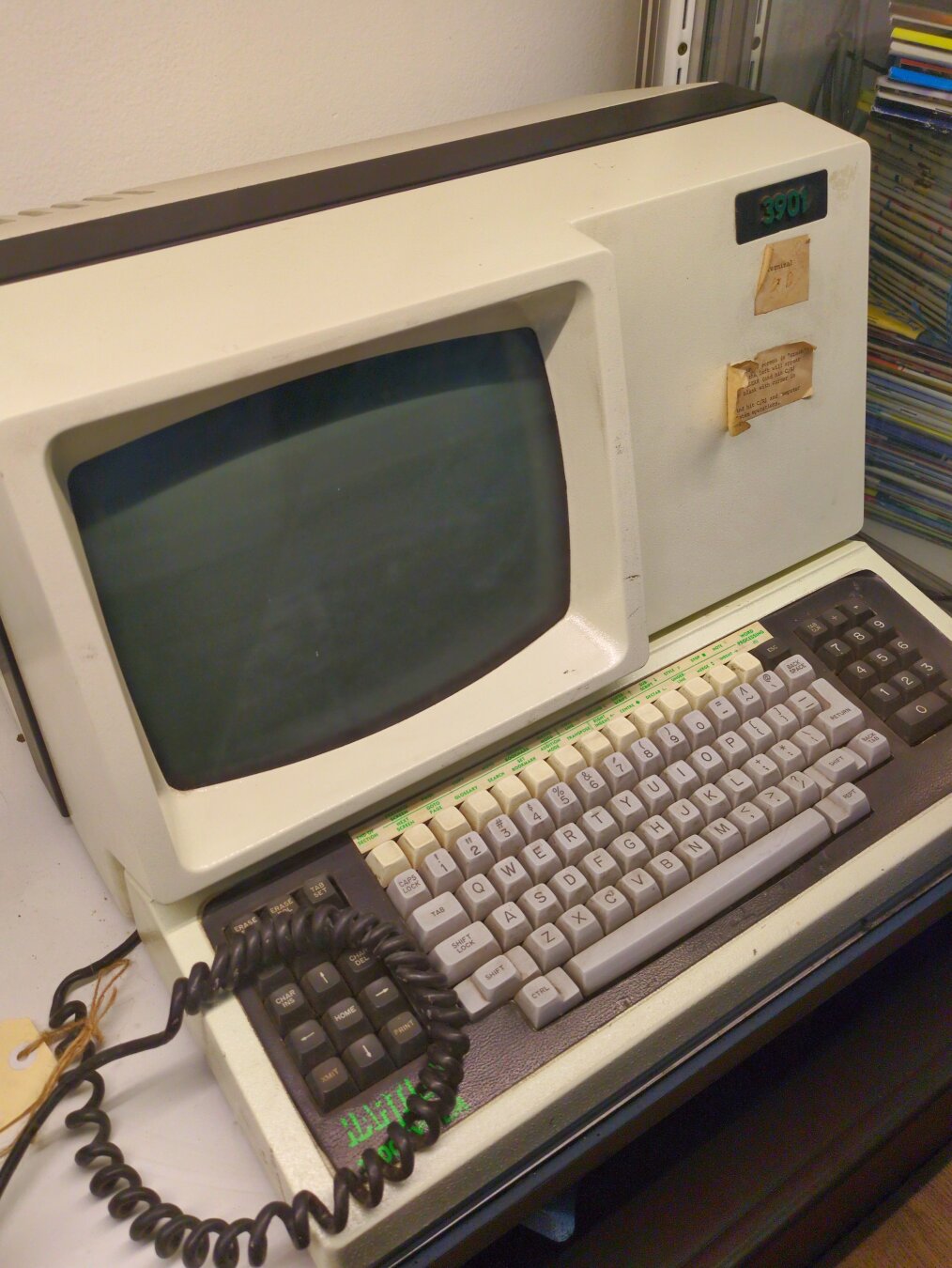
    @ajsadauskas @luca Here's a good article on Hartley Computer: https://ia.acs.org.au/article/2017/acs-heritage-project--chapter-34.html"David Hartley (not to be confused with the British computer scientist of the same name) started his working life in 1966 as a civil engineer with Brisbane City Council. His work later took him to Namibia in southern Africa, where he was introduced to computing while conducting mathematical modelling of rainfall in the vast Okavango river basin, using FORTRAN on an ICT 1500."When he returned to Australia he decided that computing was more interesting than civil engineering. He started Hartley Computer in Brisbane in 1974 to develop software for the accounting profession, on the rationale that accounting could be easily computerised but that many in the profession did not realise that...."The new software was very successful – it was the only software in Australia designed specifically for small accounting practices. Hartley also designed SHEILA (System by Hartley for Entirely Integrated Ledger Accounting) for larger organisations. The venture included building hardware (the Hartley 3900) and an operating system. Both the hardware and the software were very innovative....ā€œThe operating system was called RT86, a ā€˜true pre-emptive multi-user multi-tasking operating system for the 8086 chip. It was launched in 1980, 15 years before Windows PCs had that capability.ā€œHartley Computer was one of the first mini/PC computer vertical market successes in the world, with ultimately 250 staff and 3,000 sites in seven countries. In the process I became known as ā€˜the father of computer client accounting’, and we won several awards. The success was killed by hubris and a messy divorce. Big lessons, only partly learned at the time.ā€
  • 0 Votes
    2 Posts
    14 Views
    @rouh It really does look like the Stone Age. šŸ˜žIsrael bombed you back in time at least a couple of thousand years. Now you have to find something to burn instead of just turning on the oven. And even back then they had houses and didn't live in tents. šŸ˜žIt isn't fair.After they are done with you, the billionaires will do the same to us outside of Palestine. The billionaires are at war with life on Earth. 🤬
  • Linux people

    Uncategorized linux help computer beginner
    3
    0 Votes
    3 Posts
    17 Views
    @Lilliana_S @vkc and @_elena do good explainers.
  • 0 Votes
    1 Posts
    12 Views
    Things you find in barns, part 7.This one I really need to look into further. This is the processing unit. Have not found the disk unit, yet. Maybe that part is no more. I believe this to be the Model LF82 #VLS1 from ca. 1973#computer #retro #electronics #diy #ComputerAutomationInc